
You're Not Taking Screen Breaks. Here's What It Costs You
April 6, 2026
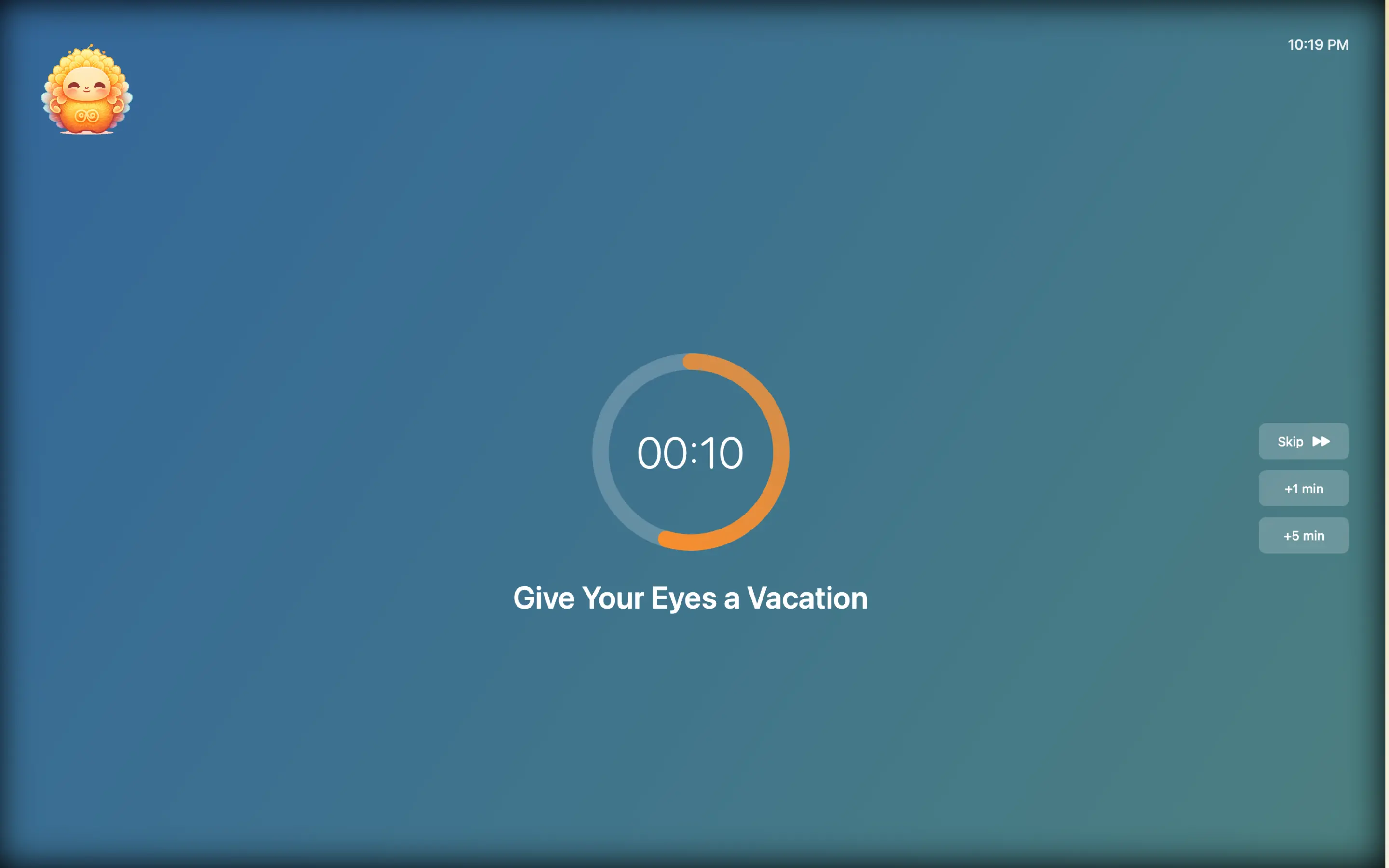
You know you should take screen breaks. You don't. Not because you're lazy — because your brain is working against you.
Every productivity article says the same thing: "take regular breaks!" And every reader nods, closes the tab, and goes right back to staring at their screen for another three hours. The advice isn't wrong. The delivery system is broken.
Here's why breaks fail, what it's actually costing you, and the one approach that sticks.
The Real Cost of Skipping Breaks
Let's make this concrete. Here's what happens when you work 4+ hours without looking away from your screen:
Your eyes deteriorate. Blink rate drops by up to 66% during screen work (University of Alabama at Birmingham). Less blinking means dryer eyes, which leads to irritation, blurred vision, and headaches. Over months and years, chronic digital eye strain can cause lasting focusing problems.
Your posture collapses. Without periodic resets, you gradually slump. Shoulders round forward, neck cranes toward the screen, lower back compresses. By hour three, you're in a posture that would make a physiotherapist wince.
Your breathing goes shallow. Email apnea — the unconscious tendency to hold your breath during screen work — kicks in within minutes and stays for the duration of your session. Shallow breathing keeps your nervous system in a stressed state all day.
Your focus degrades. This is the irony. You skip breaks to "stay productive," but research from the University of Illinois shows that sustained attention on a single task degrades over time. Brief diversions from a task dramatically improve your ability to focus on it for prolonged periods. You're not saving time by skipping breaks — you're spending more time doing worse work.
Your sleep suffers. Chronic screen strain and shallow breathing elevate cortisol. Elevated cortisol disrupts sleep. Poor sleep reduces next-day focus. It's a compounding cycle.
Why Willpower Fails for Screen Breaks
Understanding why you don't take breaks is more useful than being told to take them.
Your brain can't track time during focus. When you're deep in work, your prefrontal cortex is fully occupied with the task. Time-monitoring gets deprioritized. This is literally what "flow state" means — and it's why 20 minutes feels like 5.
There's no natural cue. Eating has hunger. Sleeping has tiredness. Screen breaks have nothing. No physical signal tells you "it's been 20 minutes, look away now." By the time your eyes hurt or your head aches, you've already done the damage.
Breaking focus feels like a loss. You've built up mental context — variable states, logic chains, design decisions. Taking a break feels like risking that context. So you push through, even when your body is screaming.
Timers are easy to dismiss. Set a phone timer for 20 minutes? You'll swipe it away in half a second. The same neural pathway that dismisses notifications dismisses your break timer. It takes zero effort to ignore.
The Habit Loop: What Actually Works
Behavior change research (Charles Duhigg's The Power of Habit, BJ Fogg's Tiny Habits) shows that lasting habits require three things:
- A cue — an external trigger that fires automatically
- A routine — a specific, small action (look away for 20 seconds)
- A reward — something that makes your brain want to repeat it
Most break strategies fail because they only provide the cue (a timer) with no reward. You dismiss the timer, feel nothing, and the habit dies.
What works:
- The cue needs to be automatic — no manual setup each day
- The routine needs to be tiny — 20 seconds, not 5 minutes
- The reward needs to be visible — you need to see your progress
How Lumo Creates a Break Habit That Sticks
Lumo is a macOS menu bar app designed around this exact habit loop.
The cue: Every 20 minutes, Lumo sends a gentle, non-intrusive reminder from your menu bar. No setup required — it starts with your Mac and runs all day. You can skip it when you're in flow. No guilt, no penalty.
The routine: Look away from the screen for 20 seconds. Take 2-3 deep breaths. That's it. Lumo combines the 20-20-20 rule with breathing reminders — addressing both eye strain and the shallow breathing that accumulates during screen work.
The reward: A lotus flower visualization fills in as you complete breaks throughout the day. It's simple, satisfying, and creates exactly the kind of visual feedback that makes habits stick. Weekly and monthly analytics show your consistency over time — you can see your streaks, your patterns, and your improvement.
This isn't gamification for the sake of gamification. It's the minimum viable reward that turns "I should take breaks" into "I do take breaks."
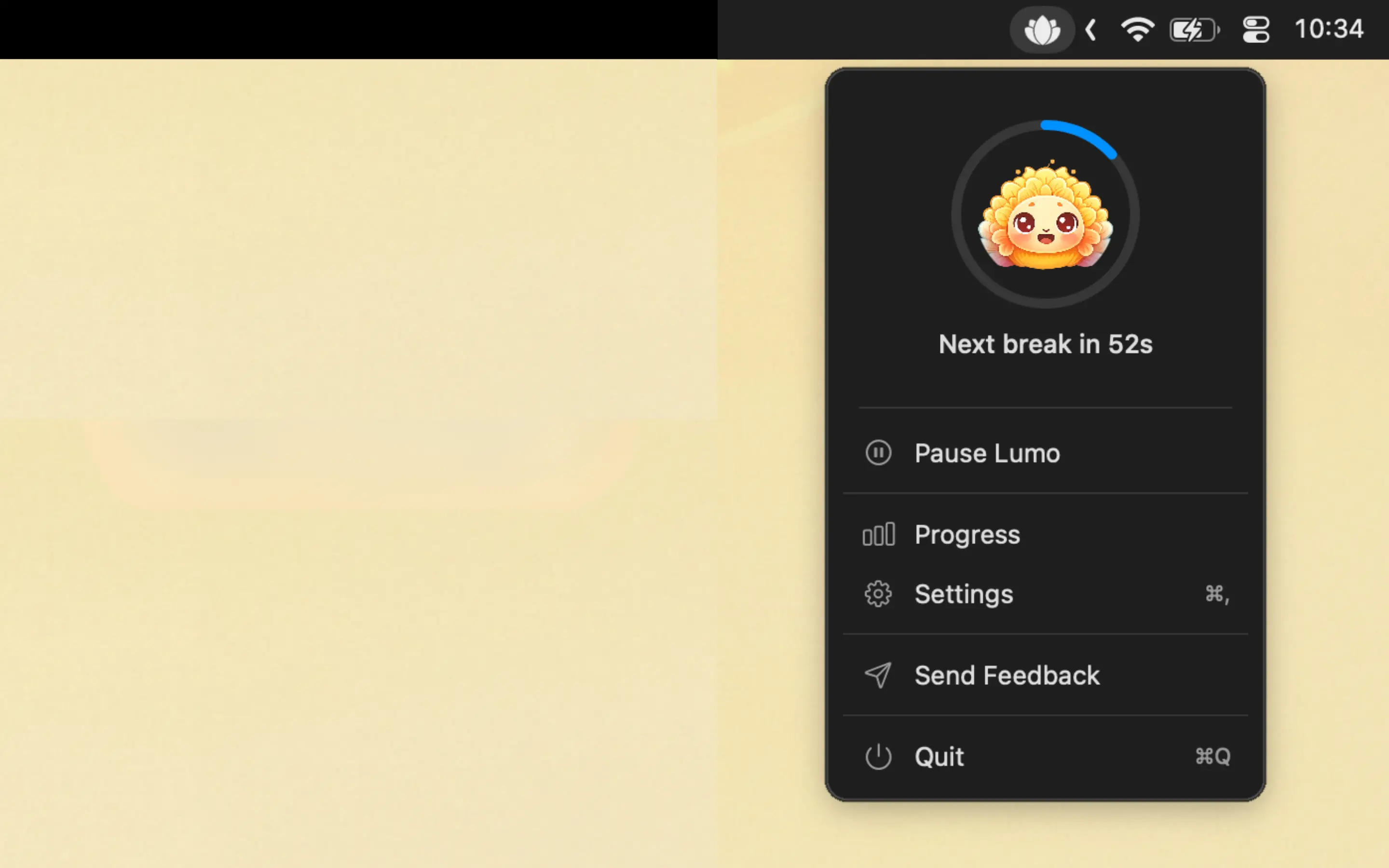
Lumo also auto-pauses when you're inactive. No pointless reminders during lunch or when you step away. It respects your time.

Frequently Asked Questions
How often should I take a screen break?
The American Optometric Association recommends following the 20-20-20 rule: every 20 minutes, look at something 20 feet away for 20 seconds. For longer rest breaks, aim to stand and move for 5 minutes every hour.
Why can't I remember to take screen breaks?
Focused screen work suppresses your brain's awareness of time passing and physical discomfort. Your prefrontal cortex is occupied with the task, leaving no bandwidth for self-monitoring. This is why automated reminders work — they externalize the cue your brain can't provide.
Do screen break reminders actually improve productivity?
Yes. Research from the University of Illinois found that brief diversions from a task dramatically improve focus over extended periods. Micro-breaks prevent the gradual decline in attention that leads to errors and slower output in the second half of the workday.
What's the best screen break reminder app for Mac?
Lumo is a macOS menu bar app that automates the 20-20-20 rule with non-intrusive reminders, breathing exercises, and a lotus flower daily tracker. It's designed to build a lasting habit, not just remind you once.
You don't need more willpower. You need a system that works without it.