Email Apnea: Why You Stop Breathing at Your Desk
March 9, 2026
You're probably holding your breath right now.
Go ahead — check. Take a breath. Feel how shallow it was? That's email apnea, and if you work at a computer, you almost certainly have it.
What Is Email Apnea?
Email apnea is the unconscious habit of holding your breath or breathing shallowly while reading emails, messages, or doing any focused screen work. The term was coined in 2008 by Linda Stone, a former Apple and Microsoft executive, after she noticed the pattern in herself — and then observed it in roughly 80% of the people she tested.
Stone's research wasn't a lab study. It was observational. She sat with hundreds of people while they checked email and watched their breathing patterns. The result was consistent: most people either held their breath entirely or shifted to shallow, chest-only breathing the moment they engaged with their screen.
She called it "email apnea" by analogy with sleep apnea — your breathing literally pauses, except you're wide awake.
Why It Happens
Your body treats screen work like a low-grade threat. When you see an unread inbox, a Slack notification, or a looming deadline, your nervous system activates a mild fight-or-flight response. Your muscles tense. Your jaw clenches. And your breathing shifts from relaxed diaphragmatic breathing to shallow chest breathing — or stops altogether.
This isn't a character flaw. It's physiology. Your brain is anticipating action (reply, react, process) and holding your body in a ready state. The problem is that "ready state" was designed for running from predators, not for sitting in a chair for eight hours.
Notifications make it worse. Every ping, badge, and unread count is a micro-stressor that reinforces the breath-holding cycle.
What Chronic Shallow Breathing Does to You
A few minutes of shallow breathing isn't harmful. Eight hours a day, five days a week? That's a different story.
When you breathe shallowly for extended periods, your body stays locked in a sympathetic nervous system state — the stressed, alert mode. The consequences compound:
- Elevated cortisol — the stress hormone that, chronically, impairs memory, disrupts sleep, and weakens immune function
- Increased heart rate and blood pressure — your cardiovascular system runs hot all day
- Reduced oxygen exchange — less CO2 expelled means less fresh oxygen absorbed, leading to mental fog and fatigue
- Muscle tension — especially in the neck, shoulders, and jaw (hello, tension headaches)
- Heightened anxiety — shallow breathing and anxiety feed each other in a loop
Research from Stanford's Andrew Huberman has shown that breathing patterns directly modulate the autonomic nervous system. A single deep exhale (what Huberman calls a "physiological sigh") can shift you from sympathetic to parasympathetic in seconds. The problem is that nobody does it spontaneously while working.
The NPR / Stanford Connection
NPR covered screen apnea in a widely shared segment, connecting it to broader research on how screen-based work changes our physiology. The takeaway: it's not just your eyes that suffer from prolonged screen time. Your entire respiratory and stress-response system takes a hit.
Stanford researchers have demonstrated that intentional breathing exercises — even brief ones — can reduce cortisol, lower heart rate, and improve cognitive clarity within minutes. The challenge, again, is remembering to do them.
The Fix: Breathing Reminders That Actually Work
The research is clear: periodic conscious breathing resets your nervous system. But telling someone to "remember to breathe" is like telling them to "remember to blink" — it works for about 30 seconds, then you're back to autopilot.
What works is automated, non-intrusive reminders built into your existing workflow.
Lumo is the only macOS menu bar app that pairs 20-20-20 eye strain reminders with scheduled breathing exercises. It's the only app that treats screen work as the whole-body problem it actually is — not just an eye problem.
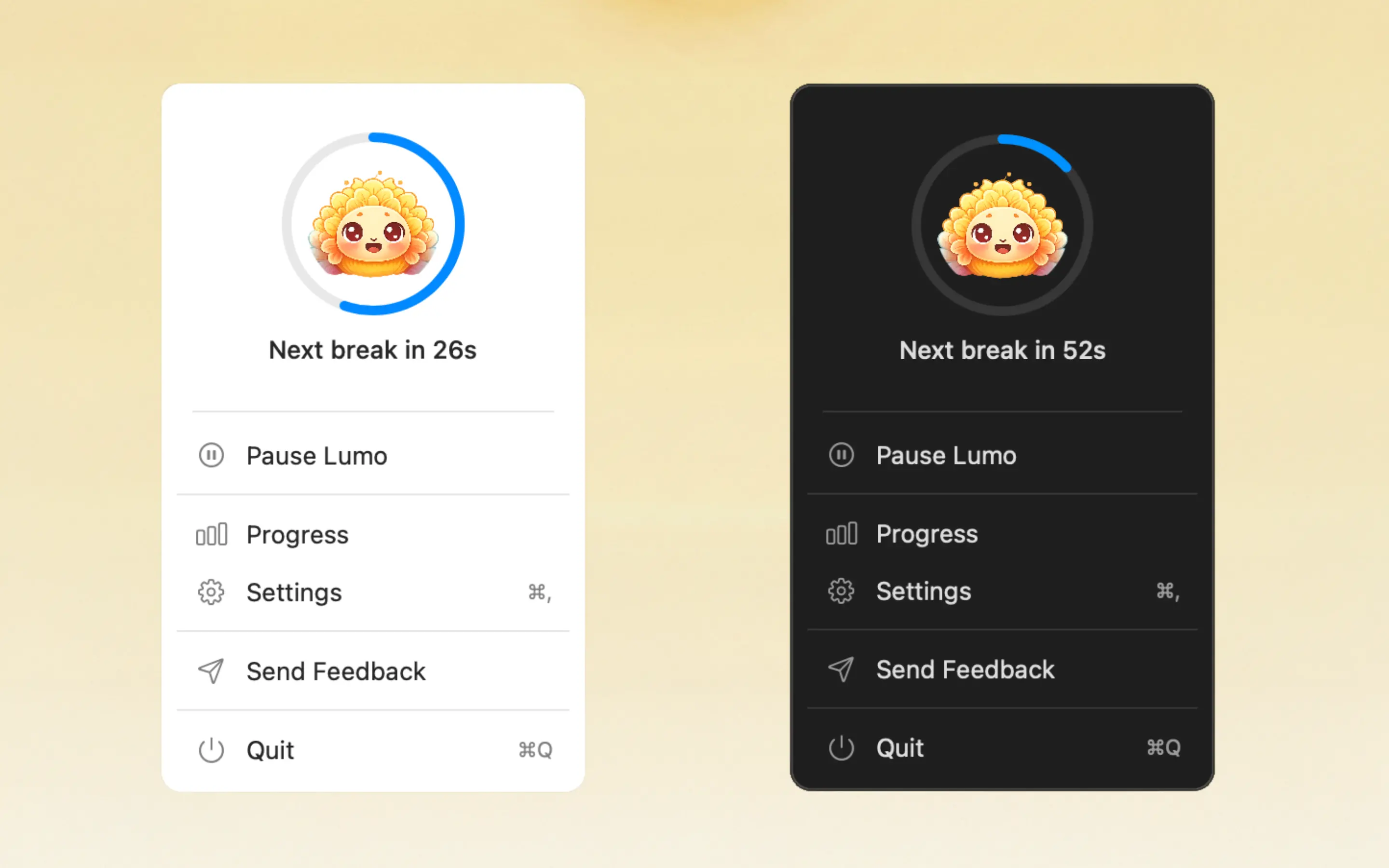
Here's how it works:
- Periodic breathing prompts remind you to take 2-3 deep breaths, resetting your nervous system without leaving your desk
- Non-intrusive delivery — a gentle reminder in your menu bar, not a screaming notification
- Combined with eye breaks — every 20 minutes, Lumo reminds you to look away AND breathe, addressing both email apnea and digital eye strain in one habit
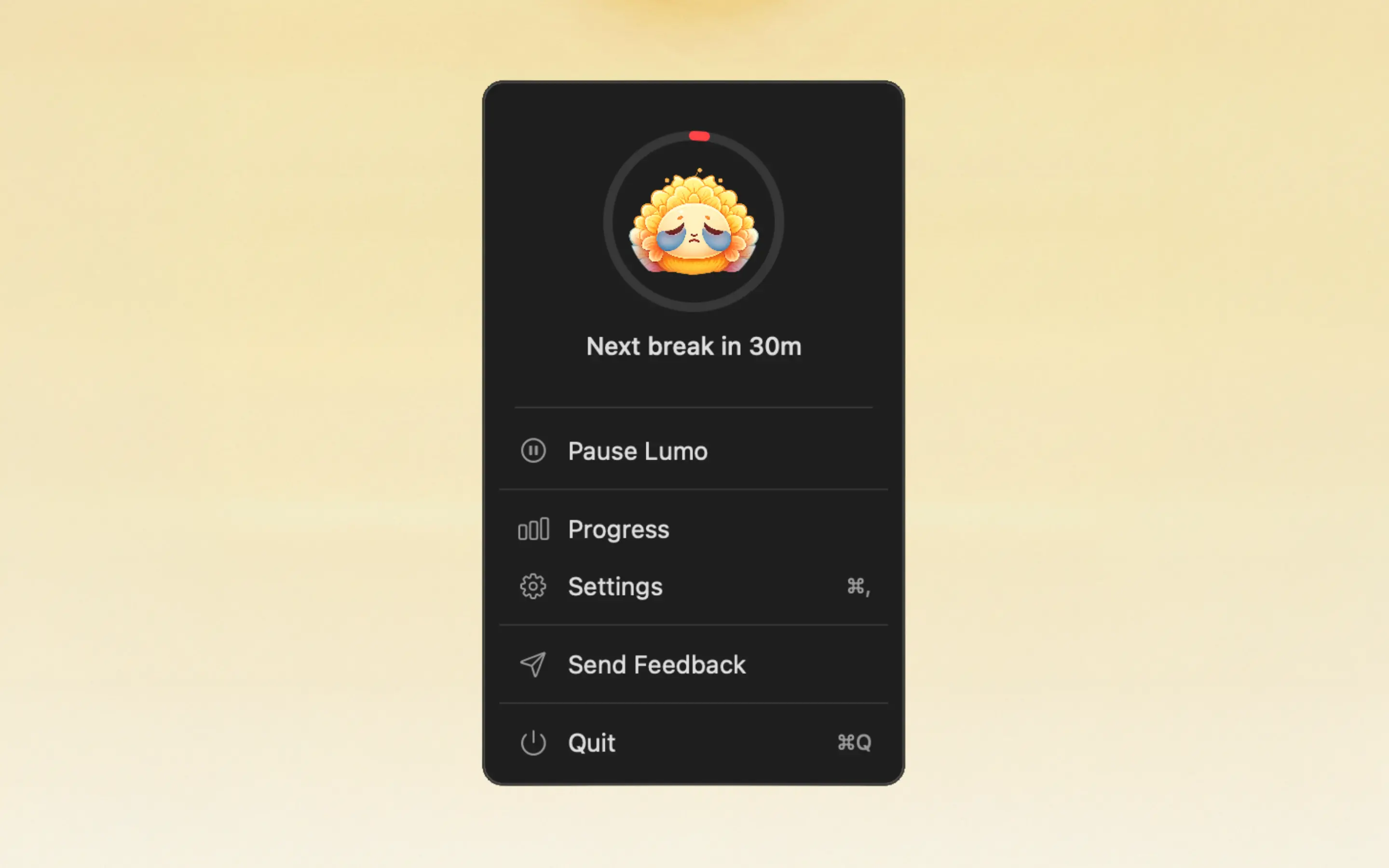
- Daily lotus flower tracking — a visual indicator that fills in as you complete breaks, creating a reward loop that keeps you consistent
- Auto-pause on inactivity — if you step away, Lumo pauses. No pointless reminders when you're already on a coffee break
No other Mac app combines these two habits. Most eye strain apps ignore breathing entirely. Most breathing apps require you to open a separate app and follow a guided session. Lumo is the first to integrate both into a passive, always-on system that runs in your menu bar.
Frequently Asked Questions
What is email apnea?
Email apnea is the unconscious tendency to hold your breath or breathe shallowly while reading emails, scrolling, or doing focused screen work. The term was coined by former Apple executive Linda Stone in 2008 after observing the phenomenon in hundreds of people.
What causes email apnea?
Screen-based tasks trigger a mild fight-or-flight response. Your body anticipates action (replying, reacting, processing) and tenses up, suppressing your normal breathing rhythm. Notifications, unread counts, and time pressure amplify the effect.
Is email apnea dangerous?
Chronically, yes. Sustained shallow breathing shifts your body toward a sympathetic (stressed) state, which can elevate cortisol, increase heart rate, weaken immune function, and contribute to anxiety and poor sleep over time.
How do I fix email apnea?
The most reliable fix is periodic breathing reminders. Lumo is the only macOS menu bar app that combines eye strain reminders (20-20-20 rule) with scheduled breathing exercises, helping you reset both your eyes and your breath throughout the day.
You've probably spent thousands of hours holding your breath at your desk without knowing it. The fix isn't willpower — it's a system that reminds you before you forget.