
The 10 Best Developer Tools I Actually Use Every Day in 2026 (Mac-Focused)
February 22, 2026
I ship code every single day.
These are the only 10 tools that survived778 on my Mac in 2026 — no fluff, no sponsorships.
Four of them are apps I built myself because nothing else was good enough. The rest earned their spot the hard way.
1. Double Tap – My #1 Daily Superpower
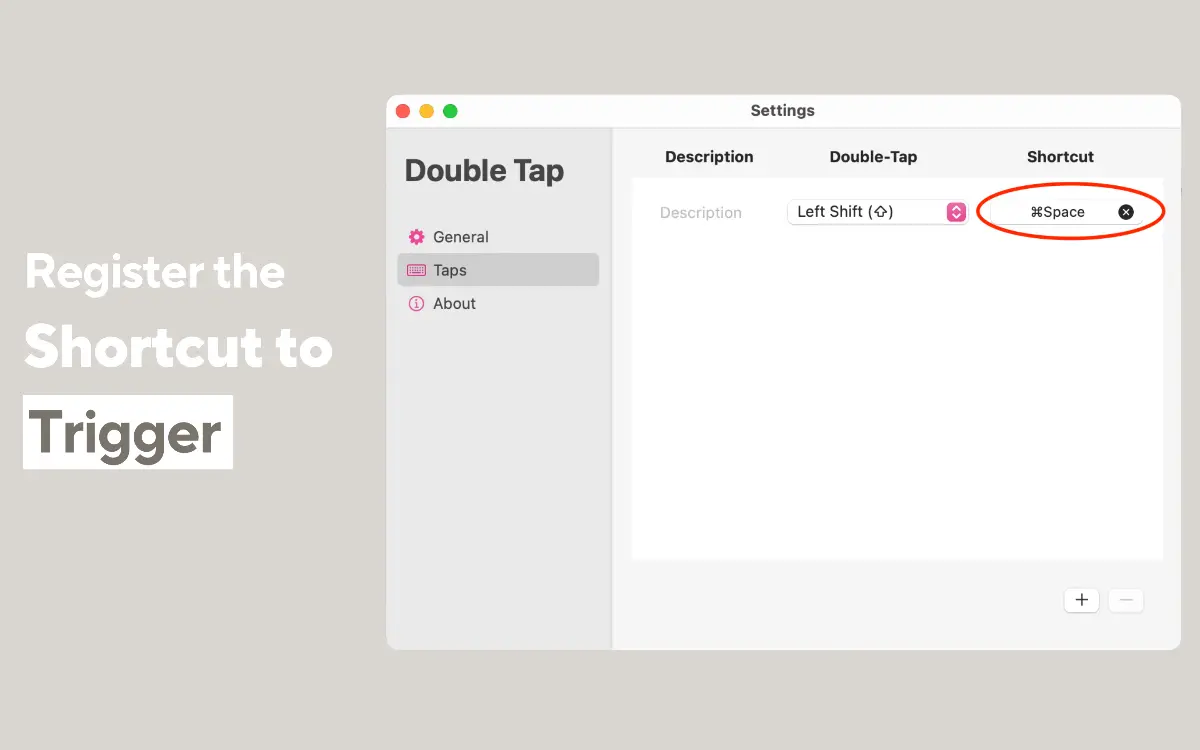
I got so tired of finger-breaking Cmd+Option+Shift combos that I built Double Tap.
Double-tap any modifier key → fire any shortcut. 100% free, no conflicts, works everywhere.
I use it 200+ times a day. It’s the first app I install on every new Mac.
2. Mini Stopwatch – The one-click stopwatch
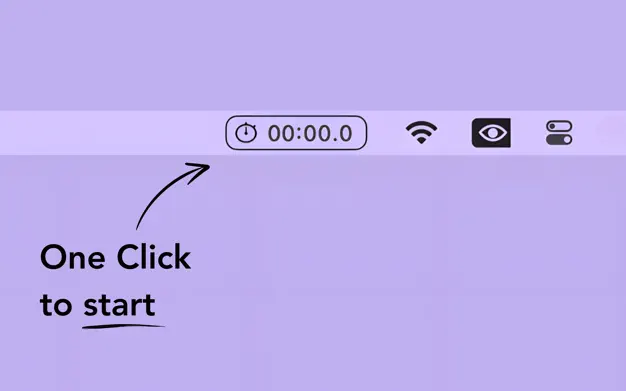
25-minute Pomodoros, 2-hour pair-programming sessions, even timing my kid’s screen time.
Single-click start/stop in the menu bar. I built this because every other timer had too many buttons.
3. TextSniper – OCR That Should Ship With macOS
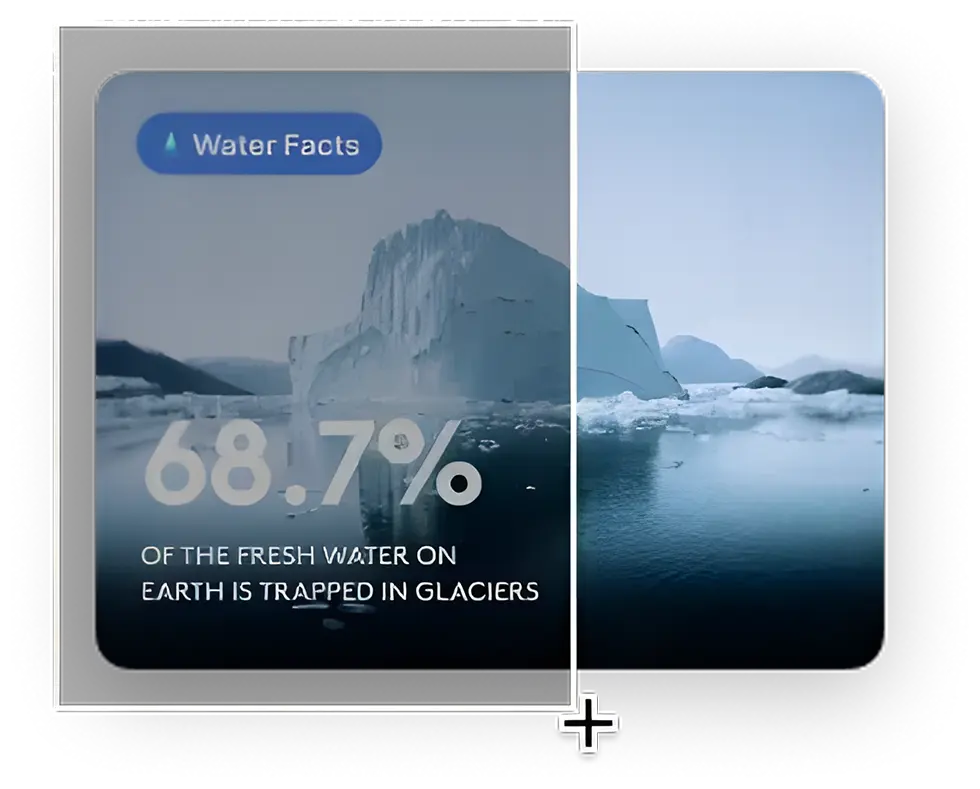
50+ times a day: curl from YouTube, regex from screenshots, values from Figma. Still unbeatable.
4. Stretch It – The Playful Pomodoro Timer
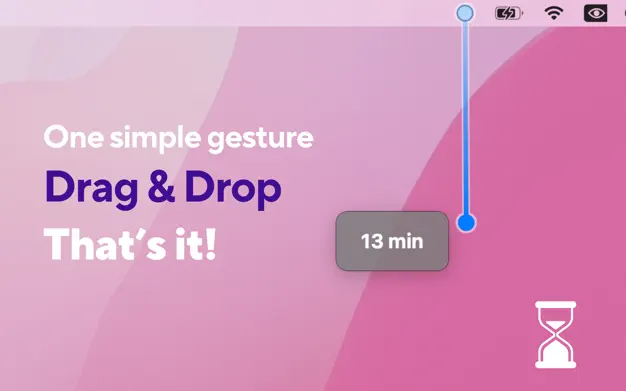
I built this one because setting timers should feel playful, not clinical.
Drag down from the menu bar → instant 5-second break or 2-hour deep-work block.
Hold ⌥ Option while dragging to jump in 15-minute increments, hold ⌘ Cmd for 1-hour steps.
Drag all the way to the edge of the screen and it switches from “time elapsed” mode to “exact clock time” mode (perfect for “shut down at 11 PM” vibes).
One gesture, zero clicks, endless satisfaction.
5. Claude Desktop App – My Pair Programmer
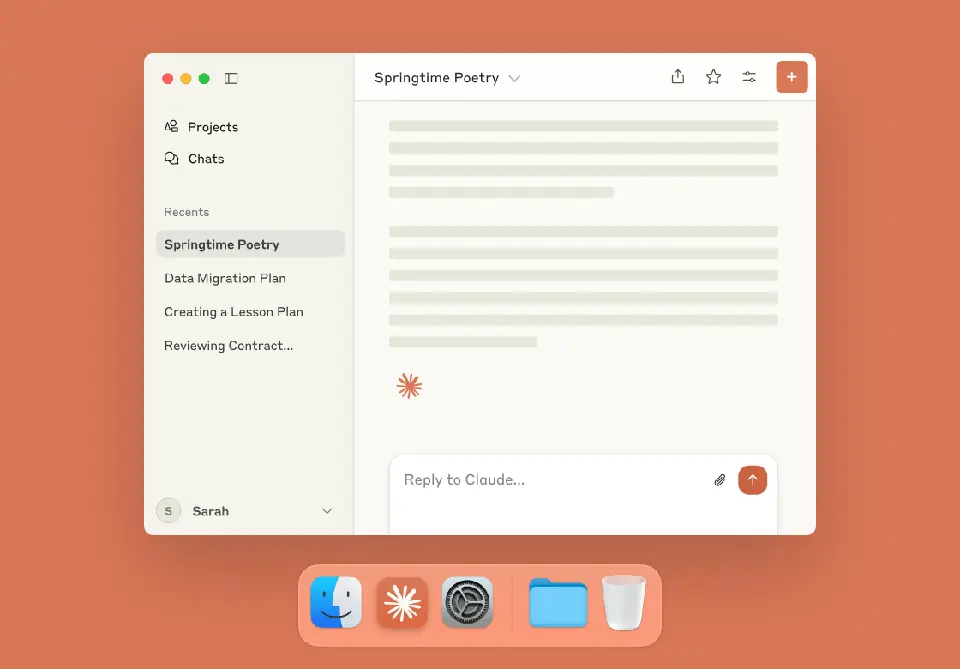
The native macOS app with Cmd+Shift+Space summon is pure magic.

6. Boop – Text Transformation on Steroids
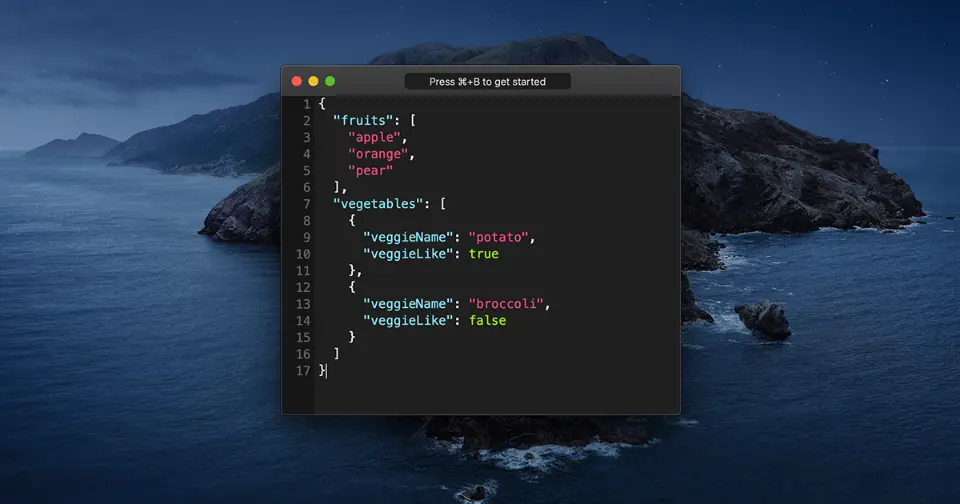
Still the fastest way to munge text in 2026.
7. Warp – Yes, I Use Warp (Fight Me)
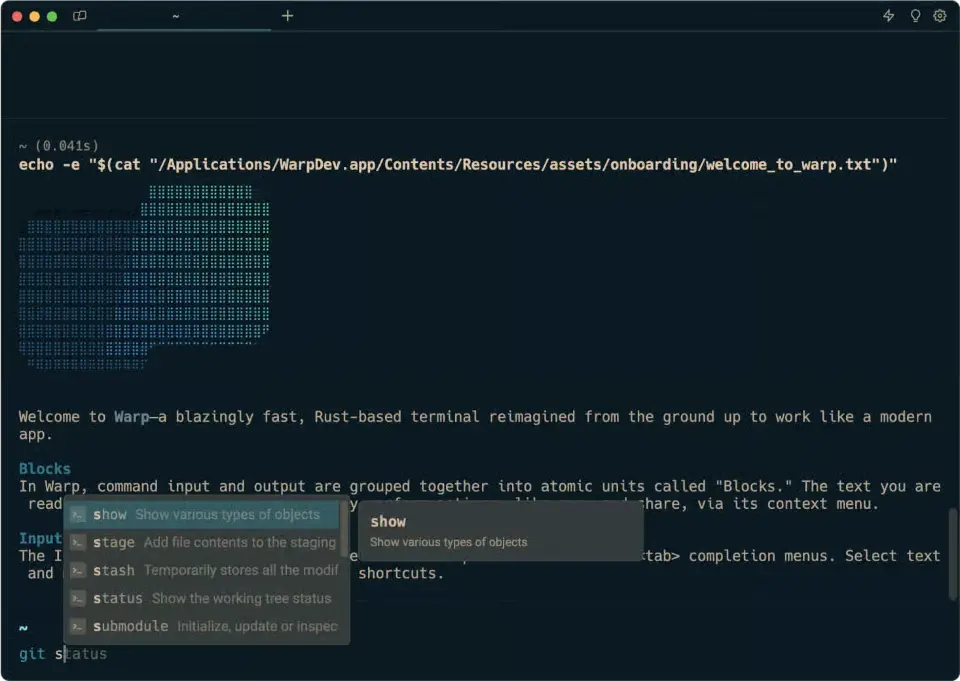
Everyone yells privacy. I tried Ghostty, Kitty, iTerm. I always come back. The UX is just too good.

8. Charles Proxy – Still King
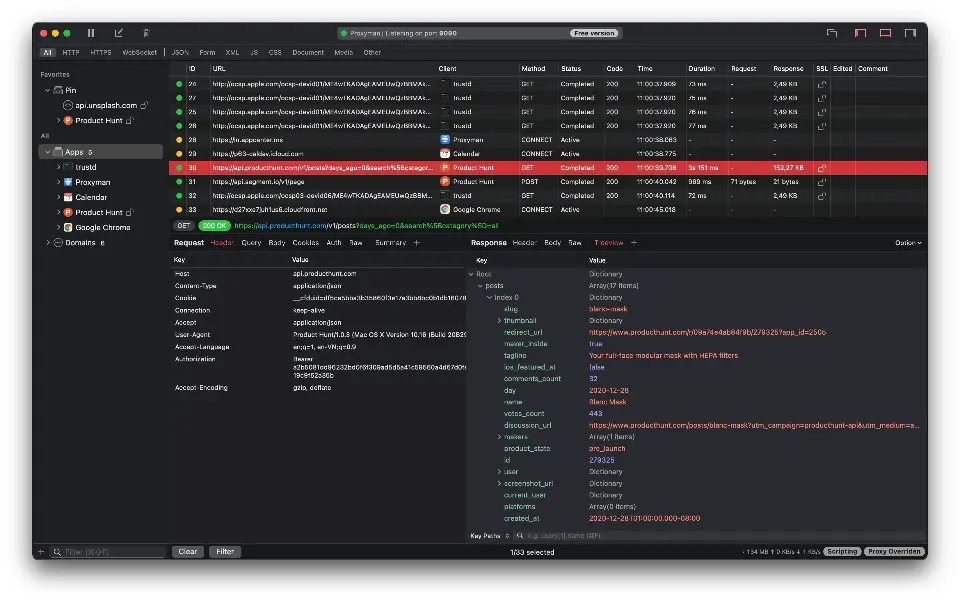
Every mobile dev session. Period.

9. Vercel Deploy Status (Menu Bar)
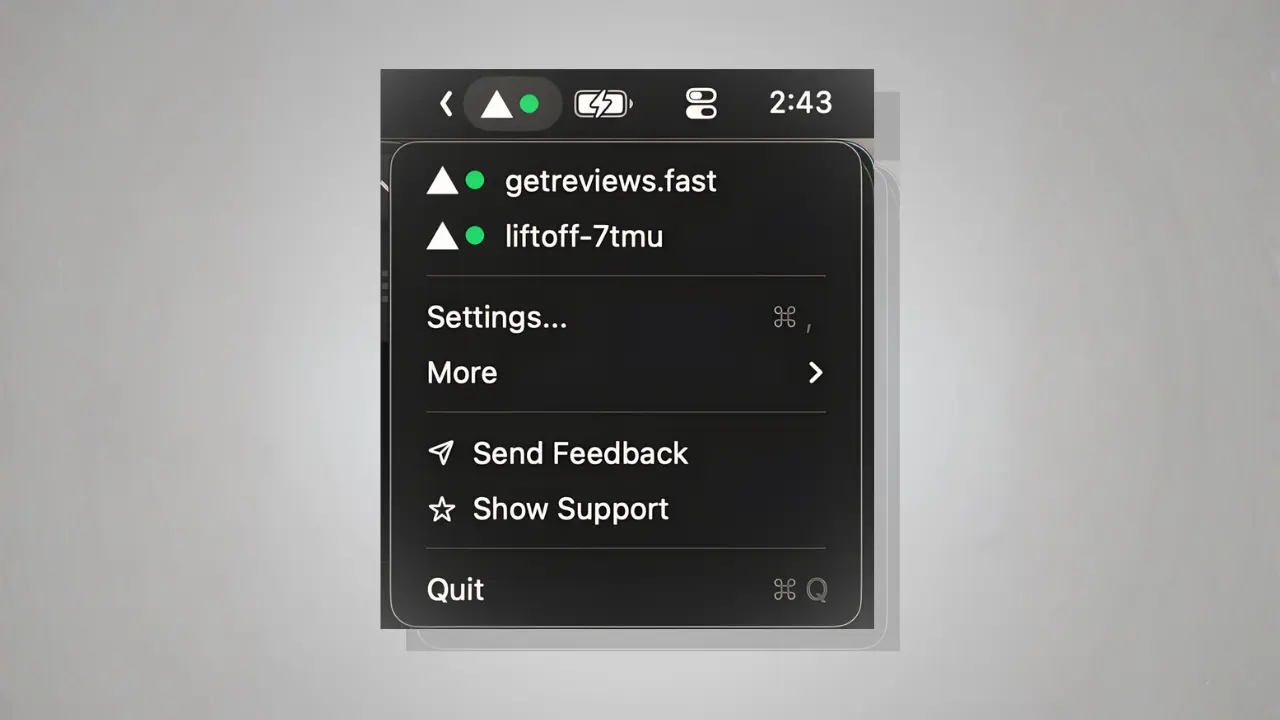
I built this tiny menu-bar app so I never have to open the dashboard again.

10. Netlify Deploy Status (Menu Bar)
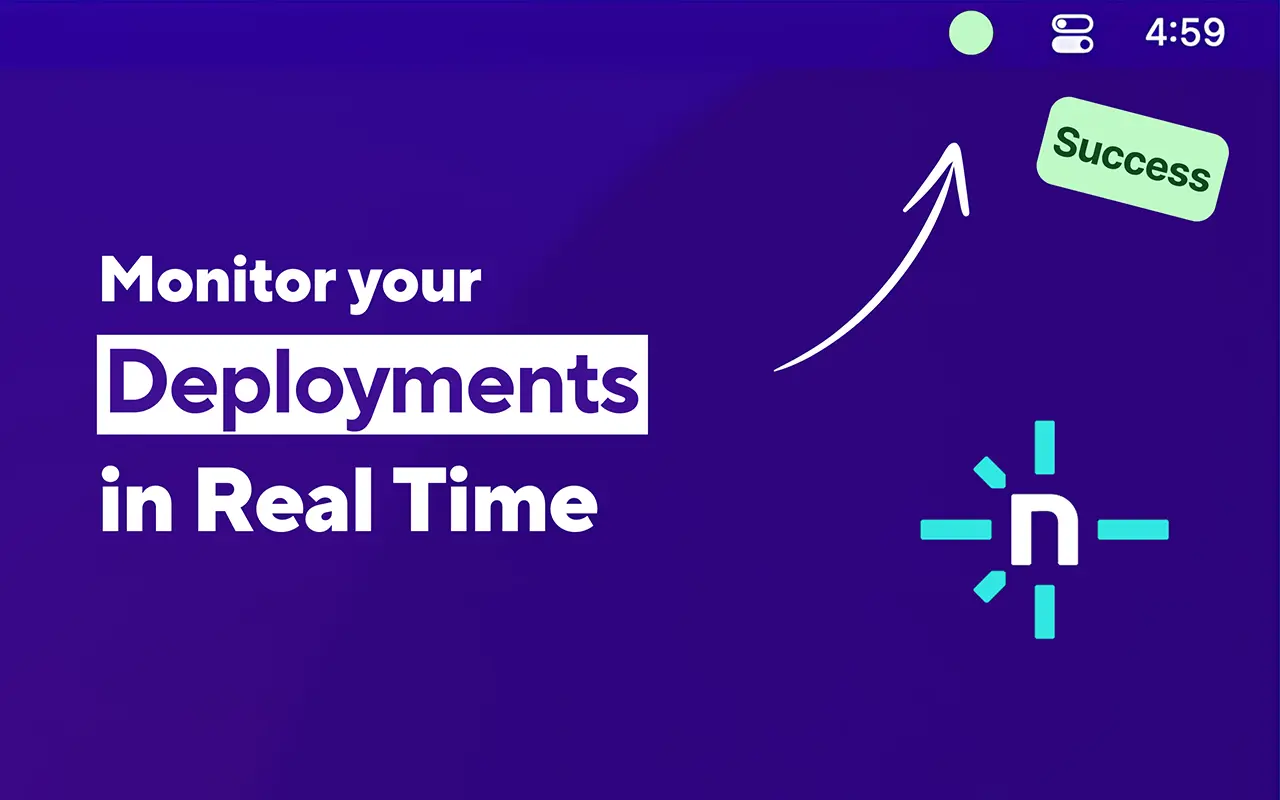
Same story — I needed this so badly I shipped it myself.
Download Netlify Deploy Status
My Real 2026 Stack
| Rank | Tool | Why It’s Here |
|---|---|---|
| 1 | Double Tap | Replaced every awkward shortcut |
| 2 | Mini Stopwatch | Perfect Pomodoros & timing |
| 3 | TextSniper | OCR that actually works |
| 4 | Stretch It | Focus timers should be fun |
| 5 | Claude desktop | My pair programmer |
| 6 | Boop | Text transformation god-tier |
| 7 | Warp | Worth the controversy |
| 8 | Charles | Still untouchable |
| 9 | Vercel Deploy Status | Instant deploy visibility |
| 10 | Netlify Deploy Status | Same but for Netlify |
That’s literally everything I use to ship code in 2026.
What’s the one tool you can’t live without? Drop it below — I’ll probably steal it.
P.S. Four of the top 10 are apps I built because nothing else was good enough. Grab them all → clemstation.com/apps