
Remap your shortcuts with a double tap
Double Tap lets you assign shortcuts to quick double-taps of modifier keys. Be faster, and make it easy on your fingers.






5 out of 5 stars
This is legitimately cool as hell. Nicely done, I would absolutely pay for it.
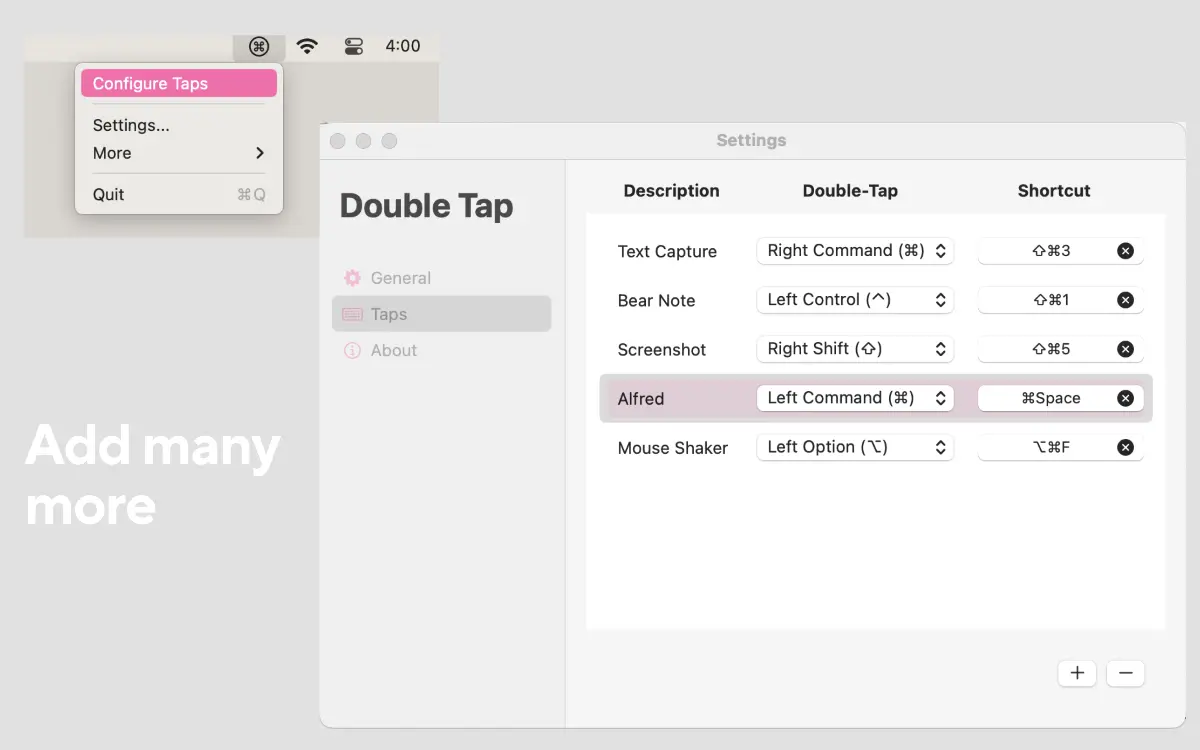
Configure your Double Taps.
Assign any shortcut to a double-tap of a modifier key.
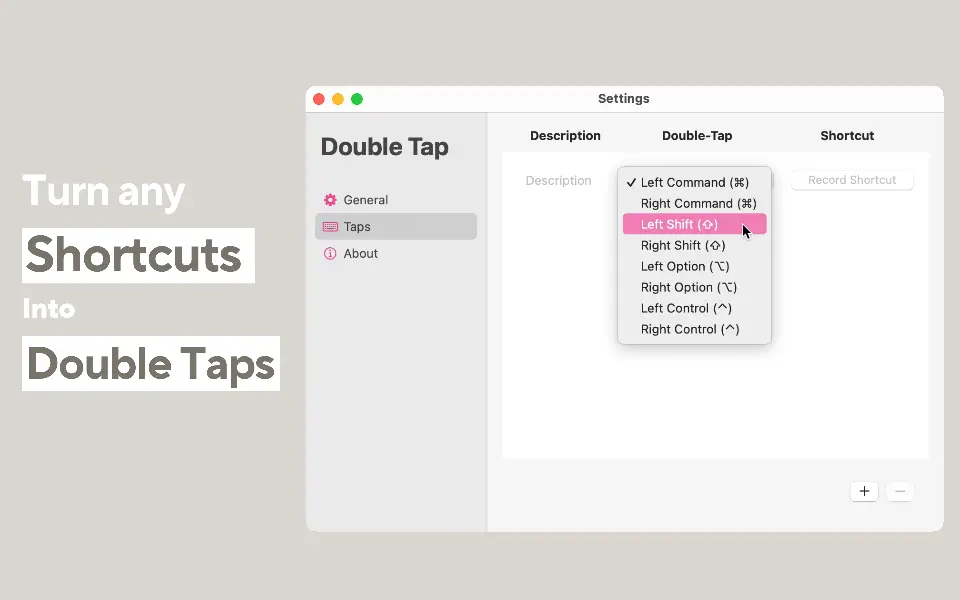
Trigger your favorite shortcuts
Don't sprain your fingers with complicated shortcuts anymore.
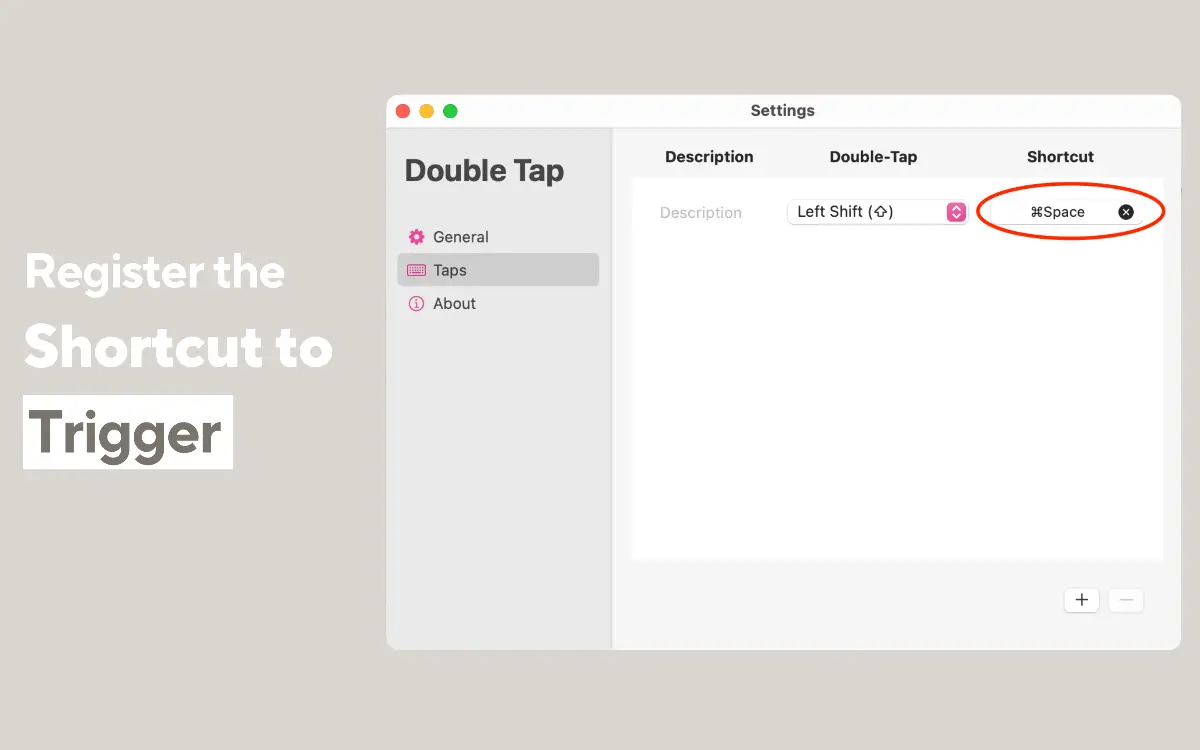
Highly Customizable
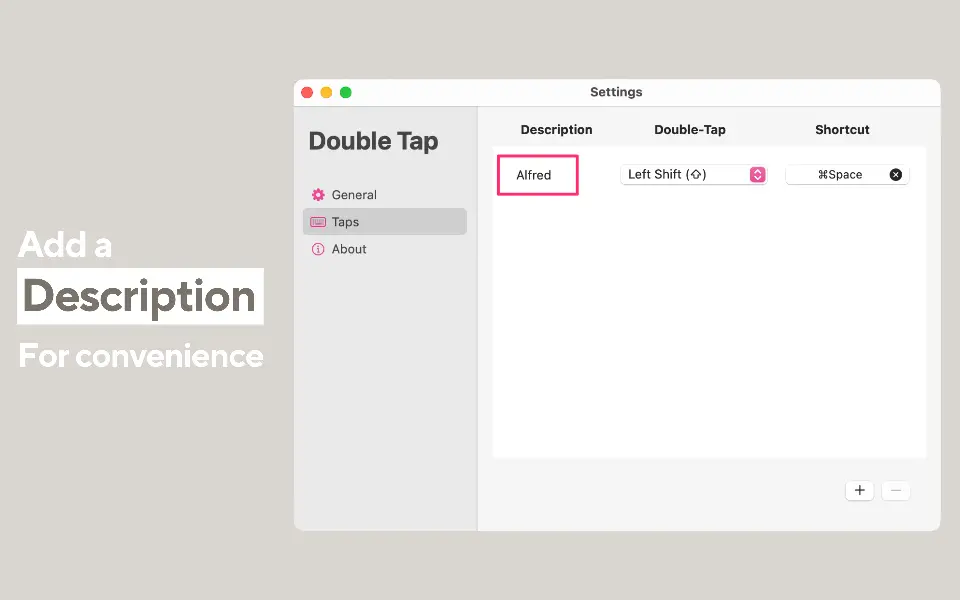
Add a description so you can easily remember your shortcuts.
Minimalist Design
Sits quietly in the menu bar, at your finger tips when you need it.
Double Tap
Double tap to trigger your shortcuts.
Name Your Taps
Give a description to your best taps.
Modifier Key Mapping
Map any shortcut to double taps of modifier keys.
Menu Bar Integration
Quick access to your mappings right from your menu bar.
Unlimited Taps
Remap an infinite number of shortcuts.
Power User
Work faster by triggering your shortcuts in an easier way.
Why Choose Double Tap
Real ways people use Double Tap. Find yours.
- → Boost Productivity – Trigger powerful shortcuts without reaching for odd key combos.
- → Ergonomic Advantage – Reduce strain by using natural, easy-to-remember gestures.
- → One-Handed Use – Perfect for quick actions while multitasking.
- → Accessibility Boost – Great for users who need an easier way to interact with shortcuts.

Trusted by Mac power users everywhere
They quickly capture their thoughts from anywhere!
5 out of 5 stars
Very Useful“This app is great for remapping complicated key commands.”

5 out of 5 stars
Incredible“Honestly this is improving the user xp so much it’s unbelievable it’s not part of the OS”
Free today, yours forever
Because everything's better when it's free.
Our product has been featured
Help us grow by supporting us on the platforms we've launched on




Frequently asked questions
Have another question? Contact us on Twitter or by email.