
Boost your productivity with one click
Mini Stopwatch lives in your menu bar and starts timing with a single click. It's as simple as it gets.







5 out of 5 stars
I needed a stopwatch to gamify a tedious and boring task that keeps me procrastinating. It does everything I need: start, pause, resume, and restart within two clicks at the menu bar. It is no frills and no fuss — exactly what I needed. Now I use the timer to beat my best times and track my peak performances. Thank you for this app!
One click. It's all you need.
Mini Stopwatch is designed for speed. Start and stop your timer with a single click, and reset instantly with a double-click. No distractions, no clutter. Just the fastest way to track time right from your menu bar.
Track only what you need
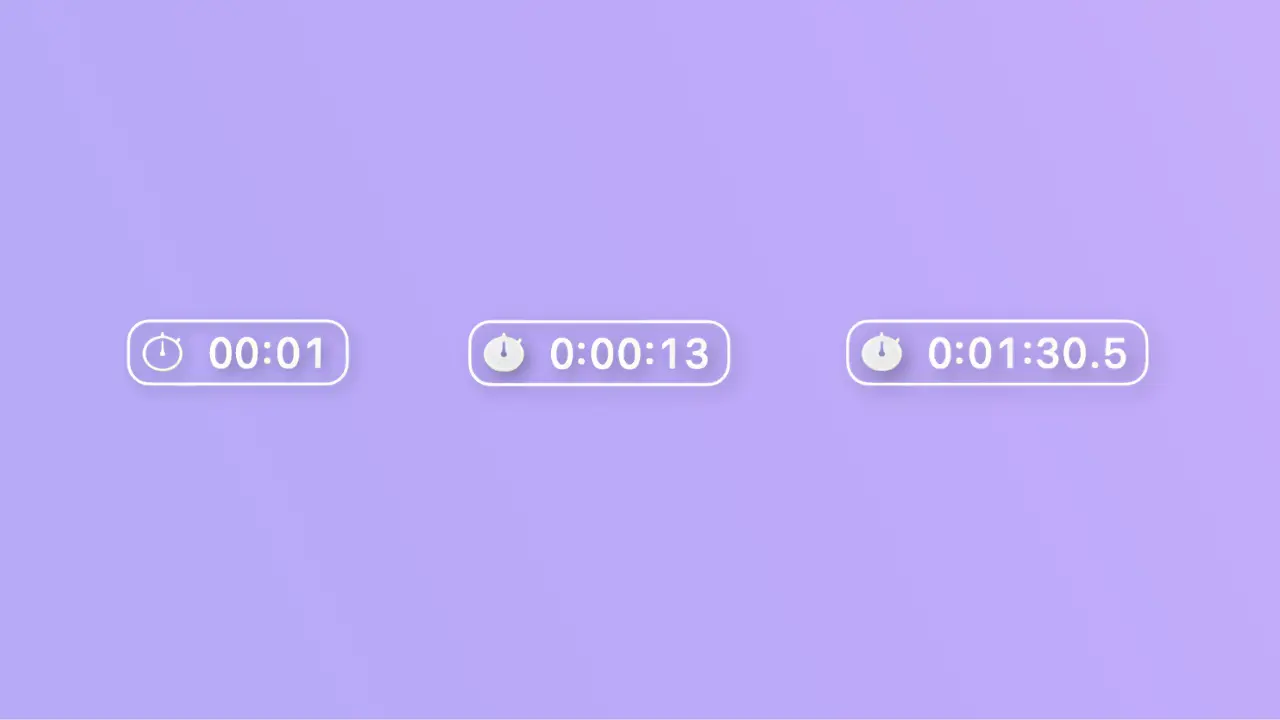
Whether you're timing hours, just seconds, or want high-precision tenths, Mini Stopwatch adapts to your workflow. Choose the display format that matches your focus. Clean and minimalist.
Make it yours
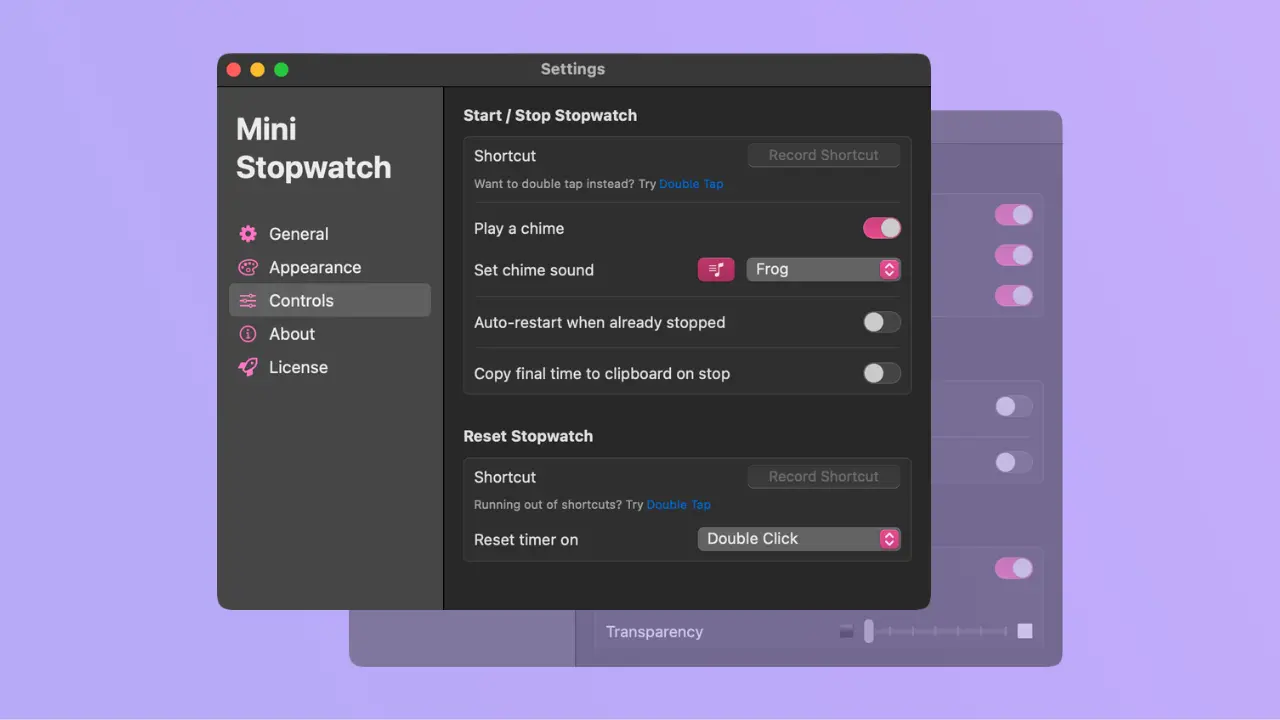
Customize your experience with flexible settings. Control how the stopwatch behaves, tweak the appearance, and choose your color and display preferences. It's minimalist yes, but flexible.
Go full screen when you need to focus
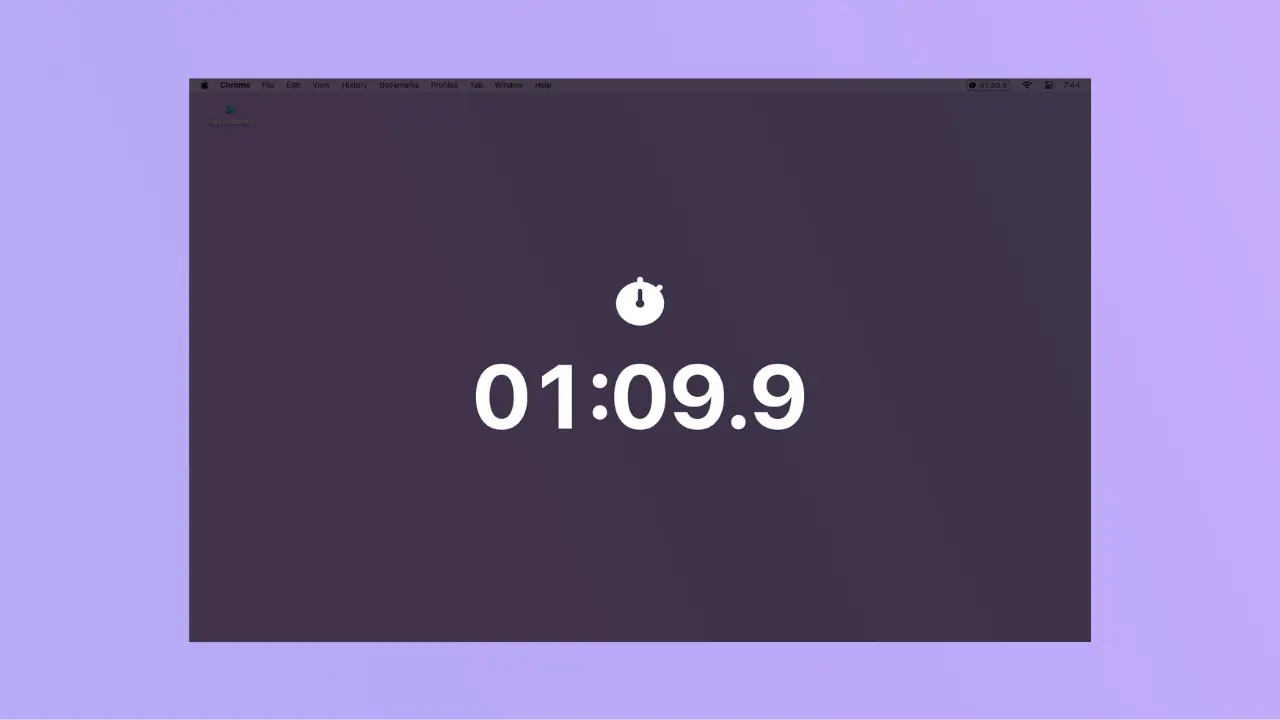
Need a bigger view? Switch to full screen keep your timing front and center. Perfect for workouts, focus sessions, or shared displays. Big, bold, and built to stay out of your way.
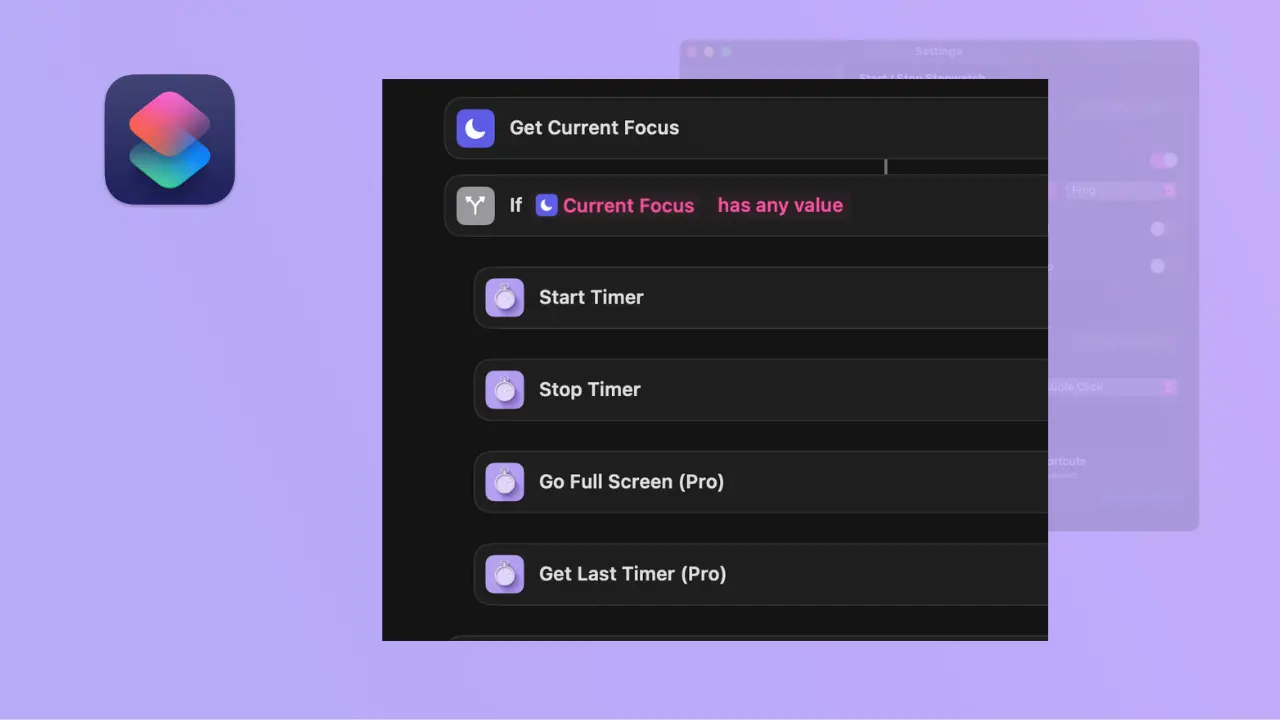
Automate with Shortcuts
Seamlessly integrate with macOS Shortcuts to create powerful workflows. Start timers automatically when you begin tasks or track specific activities. Mini Stopwatch becomes part of your productivity system, not just a standalone tool.
One-Click Timer
Start and stop with a single click. Double-click to reset. Simple as that.
Keyboard Shortcuts
Customize keyboard shortcuts for even faster control of your timer.
Optional Notifications
Set notifications to alert you when your timer stops.
Copy to Clipboard
Copy the final time automatically when the timer stops.
Full Screen Mode
Go full screen to keep the timer front and center.
Color Customization
Pick the color that fits your vibe.
Adjustable Display
Show tenths, seconds, or hours—your choice.
Auto-Restart
Restart the timer automatically after stopping.
Enlarged View
Make the timer bigger without going full screen.
Why Choose Mini Stopwatch
Real ways people use Mini Stopwatch. Find yours.
- → Task Timing – Track how long things really take.
- → Workouts – Time your reps, runs, or rest.
- → AFK Tracking – See how long you’ve been away.
- → Meetings & Calls – Keep calls from running too long.

344 ratings on the App Store
They quickly capture their thoughts from anywhere!
5 out of 5 stars
“I like apps that do one thing, and do it really well. Great execution.”

5 out of 5 stars
“I love it, already installed. I have ADHD & time blindness so this comes in handy.”
5 out of 5 stars
“This is great. Downloaded. And the Mario final countdown chime is A+. I love the single-purpose, no-more-no-less apps.”
5 out of 5 stars
So Simple It's Unbeatable“The fact that it has one purpose makes it more useful than if it was a multitool.”

5 out of 5 stars
Minimal, beautiful, and genuinely useful“Exactly what I was looking for: minimal, good-looking, simple, and truly useful day to day.”
5 out of 5 stars
Perfect Timer for the Menu Bar“Love the simplistic design, the various chime sounds, and how easy it is to set/reset it.”
5 out of 5 stars
This is the best“So easy, so cute. Don't know why Apple hasn't added it.”
5 out of 5 stars
Just what I needed“I just wanted a basic stopwatch to sit quietly in my menu bar and this has been great.”
5 out of 5 stars
Simple and functional“Exactly what I needed for simple start/stop/reset timing purposes, unobtrusive and small.”
5 out of 5 stars
Minimal as Promised“Does not clutter workspace, convenient, and allows me to see how long the current session is.”
5 out of 5 stars
Perfect Stopwatch App“Simple to use, convenient, works great and was exactly what I was looking for to track my time for billing.”
5 out of 5 stars
“Excellent app! Thank you for putting the time and effort into building this and sharing it with the community for free!”
5 out of 5 stars
“Thank you for creating these useful tools, which have greatly improved my work efficiency.”
5 out of 5 stars
“Such a nifty little thing.”
Forever free, Upgrade for mastery.
Our product has been featured
Help us grow by supporting us on the platforms we've launched on




Frequently asked questions
Have another question? Contact us on Twitter or by email.