
The Best Gestimer Alternatives for macOS (2026)
November 23, 2026
If you came here because Gestimer 2 asked you to pay again, or because it now needs macOS Sonoma 14 and you're not there yet, there are four real alternatives — and one of them is free.
Gestimer deserves credit first. Tuan Anh Nguyen's app invented the interaction everyone else now copies: you drag an icon down from the menu bar, a rubber band stretches, and where you let go sets the time. No dialog, no typing, no clicks into a submenu. It's one of the genuinely original pieces of Mac interface design of the last decade, and every app below owes it something — mine included.
So this isn't a hit piece. It's a comparison, because the situation in 2026 is genuinely confusing.
What's Actually Going On With Gestimer
There are two separate paid listings on the Mac App Store:
| Price | Needs | Latest version | Last updated | |
|---|---|---|---|---|
| Gestimer 2 | $6.99 | macOS 14.0+ | 2.3 | September 2026 |
| Gestimer (Legacy) | $6.99 | macOS 10.10+ | 1.2.8 | June 2023 |
That's the thing people are reacting to. Gestimer 2 is a separate purchase, not an update — if you bought the original, you pay $6.99 again. And version 2 raised the requirement to macOS Sonoma, so some long-time users can't run the version they just paid for.
To be fair to Nguyen: Gestimer 2 is actively maintained — it shipped an update in September 2026 — and the Legacy build still exists for older Macs. It's a pricing decision people disliked, not an abandoned app.
The Alternatives
Stretch It — $4.99
This is mine, so weigh that accordingly. I built it because I loved the elastic-band idea and wanted something narrower: a timer, not a reminders system.
- $4.99, one-time, no subscription
- macOS 13.0 (Ventura)+ — one major version lower than Gestimer 2
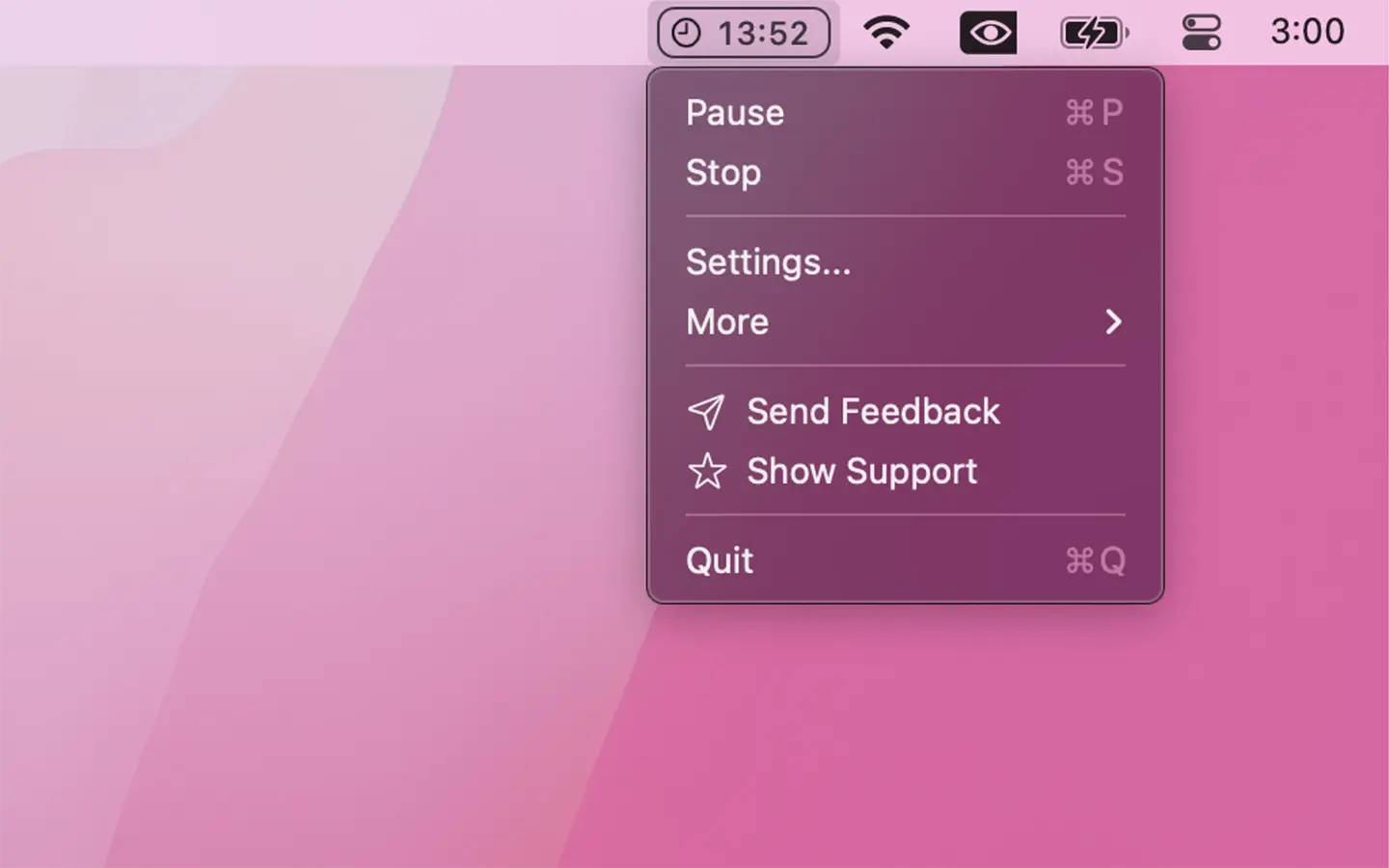
- Hold ⌥ while dragging for 1–60 seconds, ⇧ for up to 12 hours
- Notifications, selectable chimes, multi-monitor support, dark mode
- No account, no tracking, works offline
Best for: quick, unnamed timers you set and forget — a Pomodoro block, a focus session, eggs.
Where it's worse than Gestimer: Gestimer does reminders — named, persistent, surviving a restart. Stretch It deliberately doesn't, and won't. If you want to drag out "call the dentist at 3pm" and have it stick, Gestimer is the right tool and I'd tell you to buy it.
GestimerX — $4.99
Same price as Stretch It, requires macOS 14.6+ — higher than Gestimer 2 itself. Version 1.0, released February 2026, so it's young.
Best for: people who want a straight Gestimer clone and are already on a recent macOS.
EzGestimer — $1.99
The cheapest option. macOS 12.4+, version 1.0 from April 2025.
Best for: the lowest-cost way to get the gesture back, and the only one here that runs on Monterey.
Qcktimer — $1.99
macOS 14.0+, version 1.4, last updated May 2024.
Best for: a budget pick if you're on Sonoma or later.
Side by Side
| App | Price | Minimum macOS | Last updated | Reminders |
|---|---|---|---|---|
| Gestimer 2 | $6.99 | 14.0 | Sep 2026 | Yes |
| Gestimer (Legacy) | $6.99 | 10.10 | Jun 2023 | Yes |
| Stretch It | $4.99 | 13.0 | Oct 2026 | No |
| GestimerX | $4.99 | 14.6 | Feb 2026 | No |
| EzGestimer | $1.99 | 12.4 | Apr 2025 | No |
| Qcktimer | $1.99 | 14.0 | May 2024 | No |
So Which One?
- You want reminders, not just timers → stay with Gestimer 2. Nothing here replaces it.
- You're on Monterey → EzGestimer is your only option. Everything else needs Ventura or later.
- You want the cheapest working gesture timer → EzGestimer at $1.99.
- You want a maintained timer at a lower price than Gestimer → Stretch It, $4.99, and it runs on Ventura.
- You just want the icon gone from your menu bar and a number instead → you may not want a gesture timer at all. See below.
If You Only Need a Stopwatch
Worth saying, because people land on Gestimer searches wanting the wrong thing: if you want to measure time elapsed rather than count down, a stopwatch is a different tool.
Mini Stopwatch sits in the menu bar, counts up, and is free. One click starts it, one click pauses, double-click resets.
The Honest Summary
Gestimer invented this. If you need its reminders, buy it — $6.99 is not a lot for an interaction nobody else thought of first.
If you only ever used it for timers, you were paying for half an app, and you now have four cheaper ways to get that half. Stretch It is mine and I think it's the best of them for timers specifically, but EzGestimer is $3 less and supports an older macOS, and I'd rather you know that than find out afterwards.
Prices and version data checked against the Mac App Store in November 2026.