
Protect your eyes with a gentle nudge
Lumo automates the 20-20-20 rule and reminds you to breathe. Stay healthy at your computer







5 out of 5 stars
I've been coding for 15 years and my eyes have never felt this good at the end of the day. The breathing reminders are the killer feature — I didn't even know I was holding my breath. The lotus flower is stupidly satisfying to complete.
The 20-20-20 rule, on autopilot.
Every 20 minutes, Lumo gently reminds you to look 20 feet away for 20 seconds. Skippable, non-intrusive, automatic. The gold standard for eye strain prevention, without the willpower.
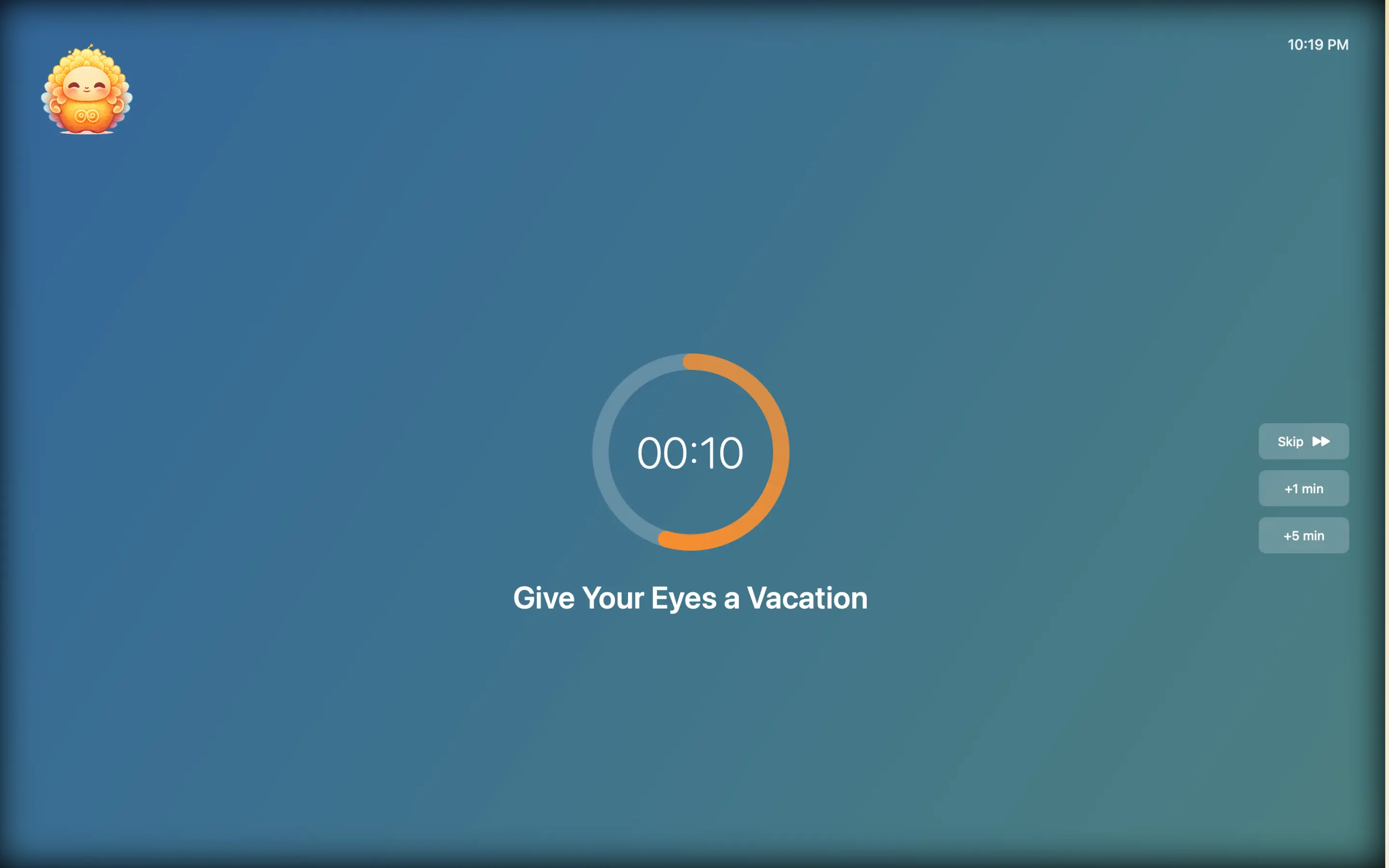
Give your eyes a vacation.
Every 20 minutes, a full-screen break gently pulls you away from your pixels. No willpower needed — just look up, let your eyes defocus, and come back sharper. Your retinas will send a thank-you note.
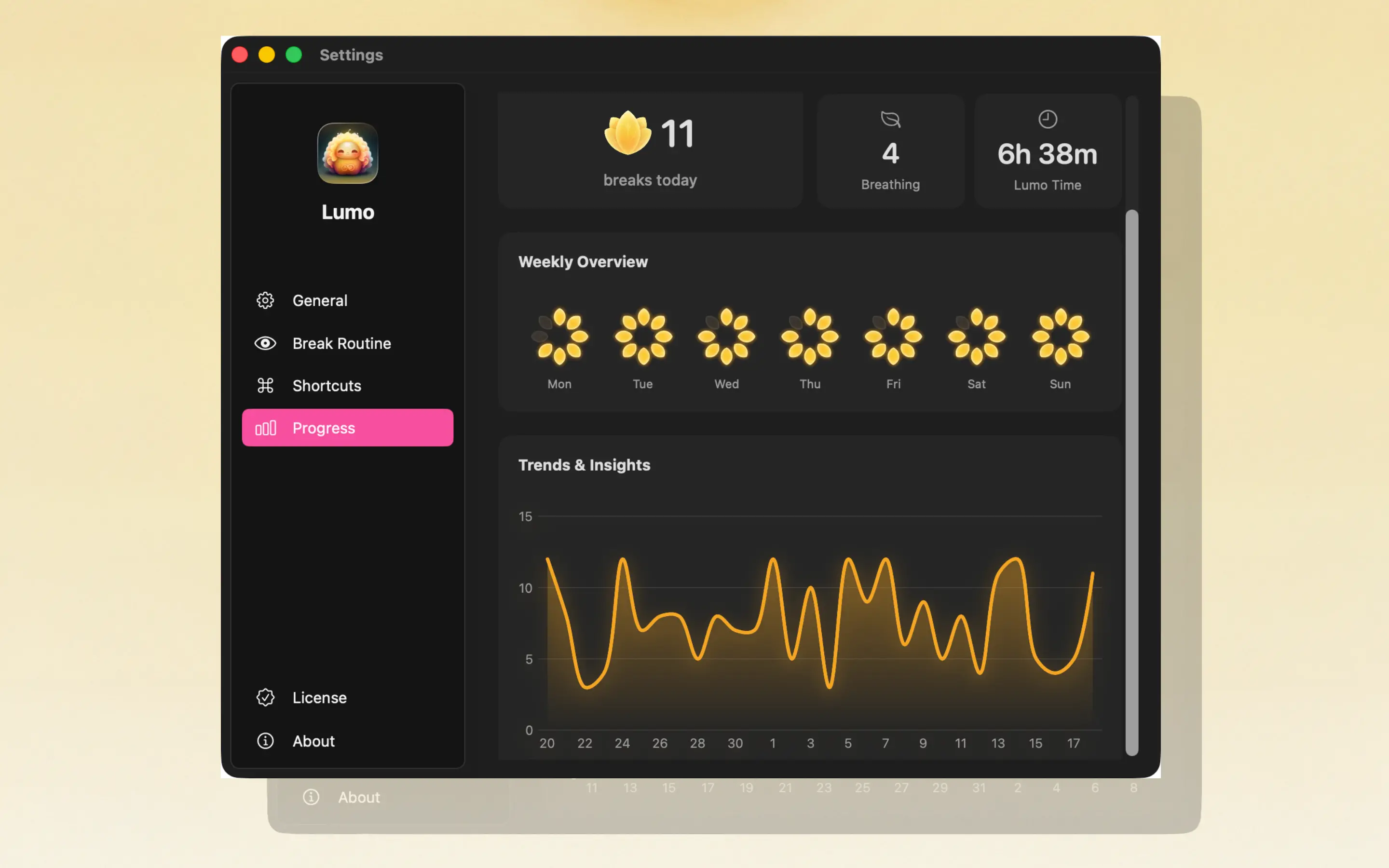
Stay consistent with analytics.
Weekly and monthly stats show your break consistency over time. Spot your worst days, celebrate your streaks, and build a habit that lasts months — not just a week.
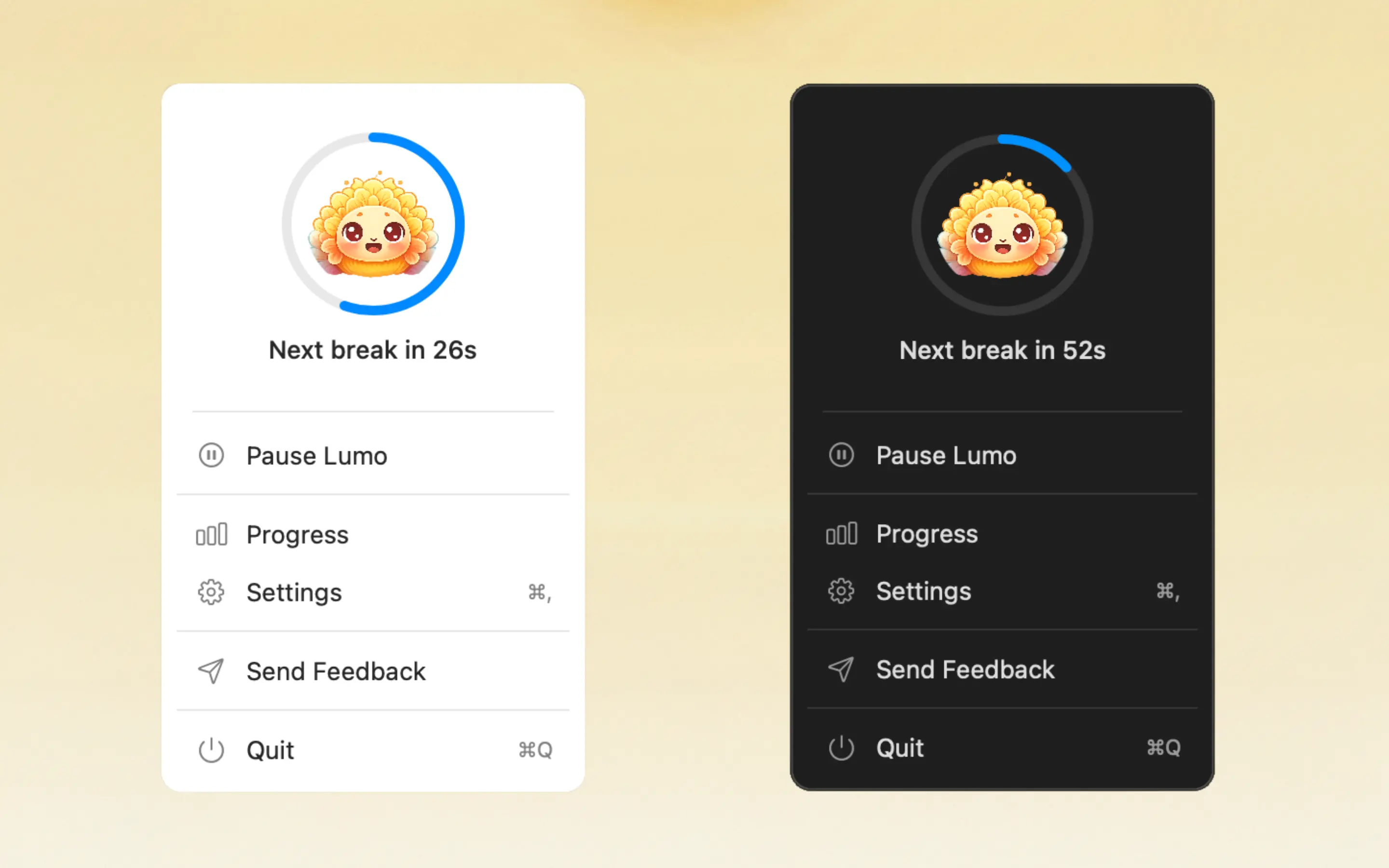
Keep Lumo happy. Take your breaks.
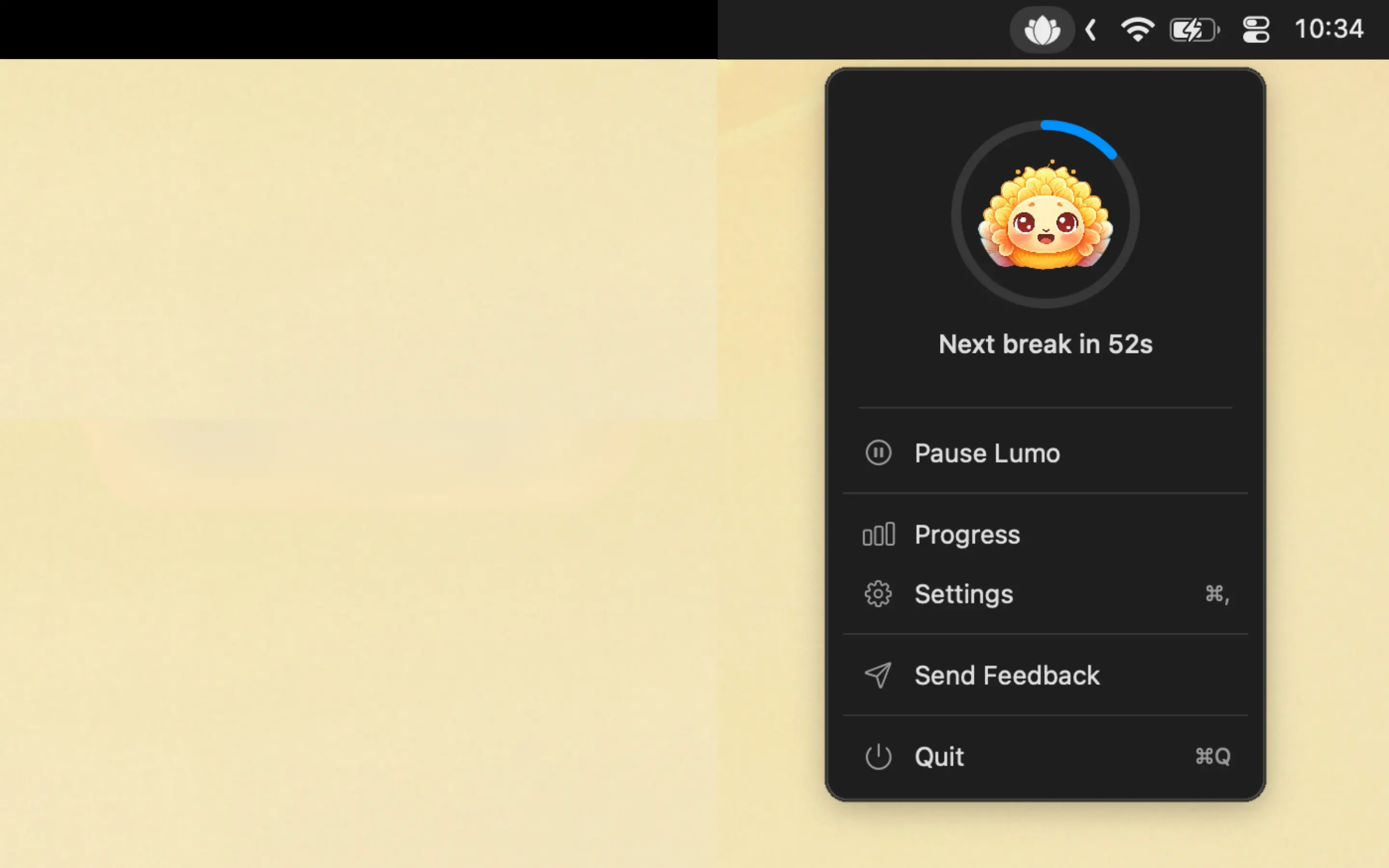
Lumo lives in your menu bar and reacts to how you treat your eyes. Take breaks and watch him glow. Skip them and... well, he notices. A tiny accountability buddy that guilt-trips you just enough.
20-20-20 Rule
Automated reminders every 20 minutes. Look away, rest your eyes, get back to work.
Breathing Reminders
Periodic prompts to take deep breaths. The only Mac app that fights screen apnea.
Lotus Flower Tracking
A lotus fills in as you complete breaks. Simple, satisfying, addictive.
Weekly & Monthly Analytics
Track your consistency over time. See your streaks, spot your weak days.
Menu Bar Native
Lives in your menu bar. No dock icon, no window, no distraction.
Auto-Pause
Detects inactivity and pauses automatically. No pointless reminders during lunch.
Why Choose Lumo
Real ways people use Lumo. Find yours.
- → Coding Sessions – Protect your eyes during long focus blocks without breaking flow.
- → Remote Work – Stay healthy when there's no one to remind you to step away.
- → Writing & Design – Prevent eye fatigue during extended creative sessions.
- → All-Day Screen Work – For anyone who stares at a Mac 8+ hours a day.

Screen addicts love it!
They quickly capture their thoughts from anywhere!
5 out of 5 stars
One of my favorite Scratchers“You’re actually so good, this app is amazing, and i love your ileb.os project too!”

5 out of 5 stars
THE ONLY GOOD WAY TO ACCESS SCRATCH ON MOBILE“I use this on Mac, and it’s okay… but PLZ MAKE IT USEABLE ON MAC.”
5 out of 5 stars
Really good“This is really frickin good but it would definitely be better if we could remix projects and have a built in keyboard for those keyboard projects”
5 out of 5 stars
Good game. Just need help.“How do I make a game in the app? Idk if it’s already there or if you guys could add a feature because my phone is the only thing I use.”
5 out of 5 stars
Great concept“This is a great app. I love checking messages on mobile but the projects don’t play when you click the green flag.”
5 out of 5 stars
Super good app but I think we need landscape mode for people“I’m my iPad user and I mostly use the landscape mode on my iPad and the app only supports portrait mode so please add landscape mode”
5 out of 5 stars
Great concept“Great UI, but the controller does not work on iOS 16.”
5 out of 5 stars
Wow“I came back all by again and I can’t view projects code and I can’t make account and make this for iPad and android tab maybe”
Free to try. Affordable to keep.
No ads. No tracking. Just healthier eyes.
$1.99/mo USD
- 20-20-20 rule reminders
- Breathing exercises
- Lotus flower daily tracking
- Weekly & monthly analytics
- Auto-pause on inactivity
$12.99/yr USD
- Everything included
- Save 45% vs monthly
- Lotus flower daily tracking
- Weekly & monthly analytics
- Auto-pause on inactivity
Our product has been featured
Help us grow by supporting us on the platforms we've launched on




Frequently asked questions
Have another question? Contact us on Twitter or by email.