
How to hide sensitive parts of an image
October 5, 2026
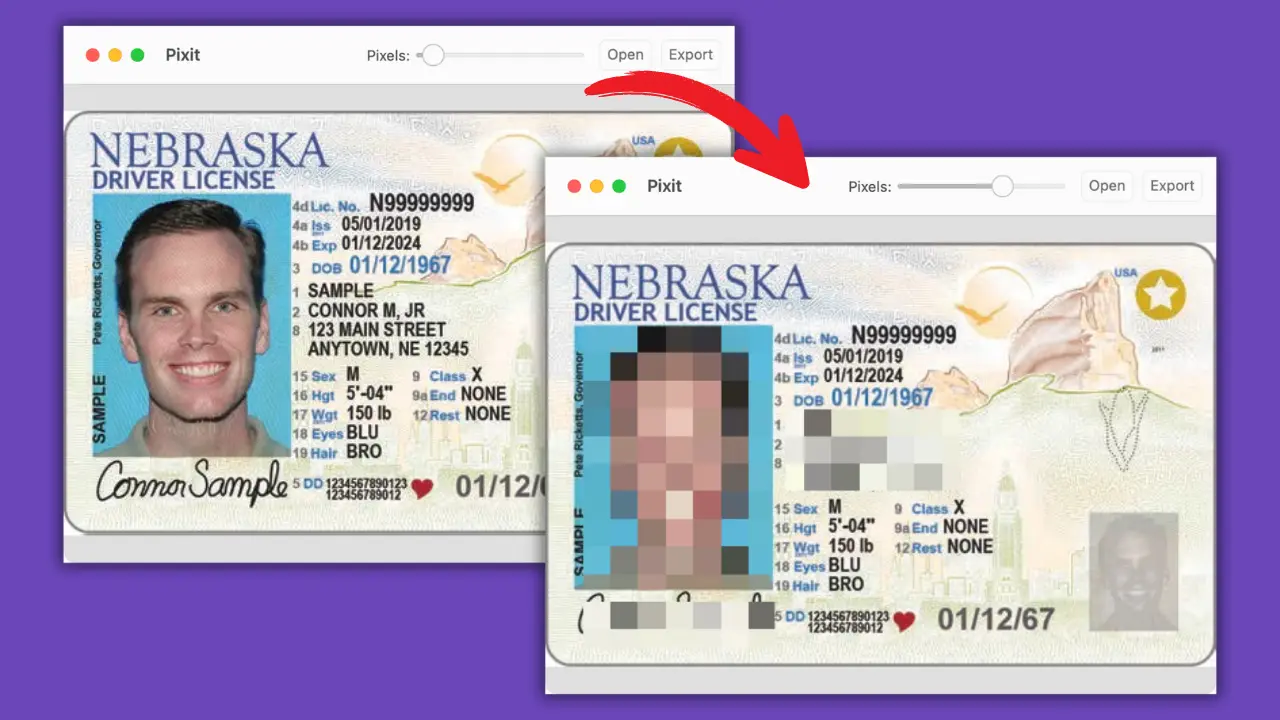
If you’re sharing screenshots, documents, or photos, you might need to hide personal details. Email addresses, ID numbers, names — things you don’t want online.
Pixit is a Mac app that makes this easy. You load an image, draw boxes over the sensitive parts, and either pixelate them or cover them with black.
Steps:
- Open Pixit and load your image.
- Drag to create one or more boxes over the areas to hide.
- Pick either pixelation or black box.
- Adjust or move the boxes as needed.
- Export your image securely.
It’s better than using Preview or generic tools. You get full control and instant results.
If you prefer seeing a video showing you exactly the steps, check this one out:
To quickly hide sensitive parts of any image, Download Pixit.