
The best way to blur a picture
June 8, 2026
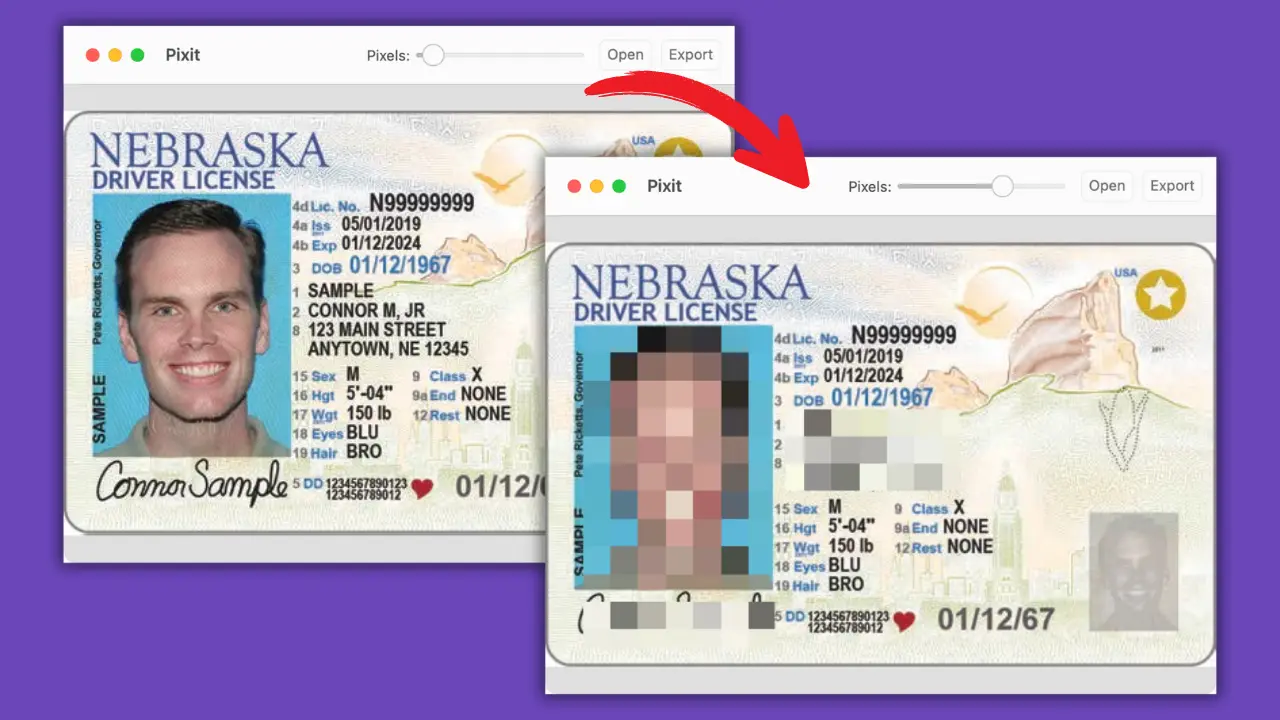
Blurring a picture can help hide sensitive data, remove distractions, or protect identities. But not all tools do it right. Some are too slow, others leave traces.
Pixit gives you a simple way to blur or pixelate any part of a picture with just a few clicks.
Here’s what to do:
- Load your image into Pixit.
- Select the area you want to blur.
- Choose the pixelation level — the higher it is, the more blurred it becomes.
- Export your image with the changes.
It’s fast, easy, and keeps your privacy safe. Unlike AI removers, this doesn’t try to guess. It blocks.

Looking for the best way to blur parts of a picture? Download Pixit and keep your images clean.