
Pixelate Image: Convert Image to Pixel Art in Seconds
April 16, 2026
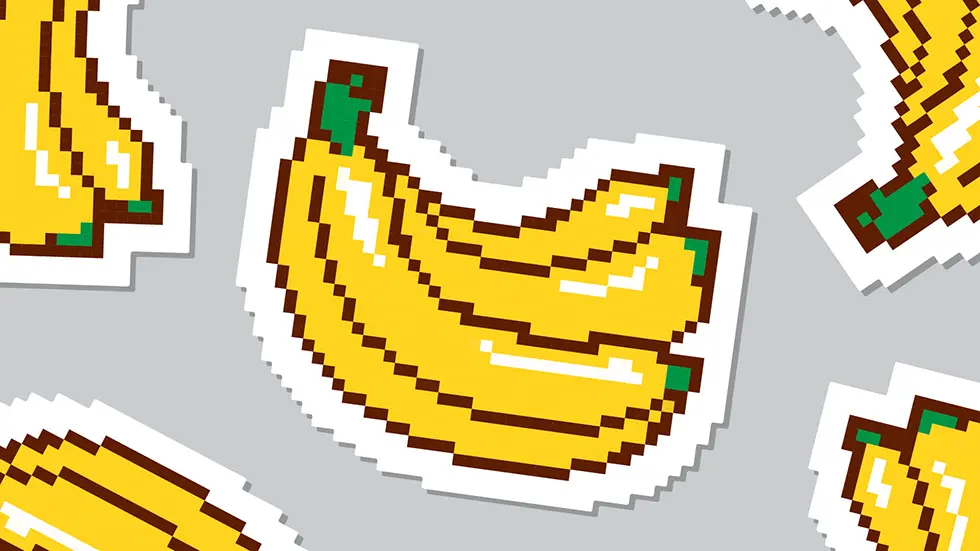
Looking to turn a part of your photo into pixel art? Whether it’s for fun or privacy, pixelation is a quick and easy visual effect.
With Pixit, you can pixelate any image or just parts of it in seconds. It’s made for macOS and focuses on fast, accurate redaction.
Here’s how it works:
- Open an image in Pixit.
- Draw one or more boxes on the areas you want to pixelate.
- Use the slider to increase or decrease the pixel size.
- Export the final image in your desired format.
Check out this video to see it in action:
Whether you're going for a low-res pixel art look or trying to protect private information, Pixit gives you control.

Convert your image to pixel art instantly. Download Pixit and get started.