
Best 8 Free Menu Bar Apps in 2026
February 8, 2026
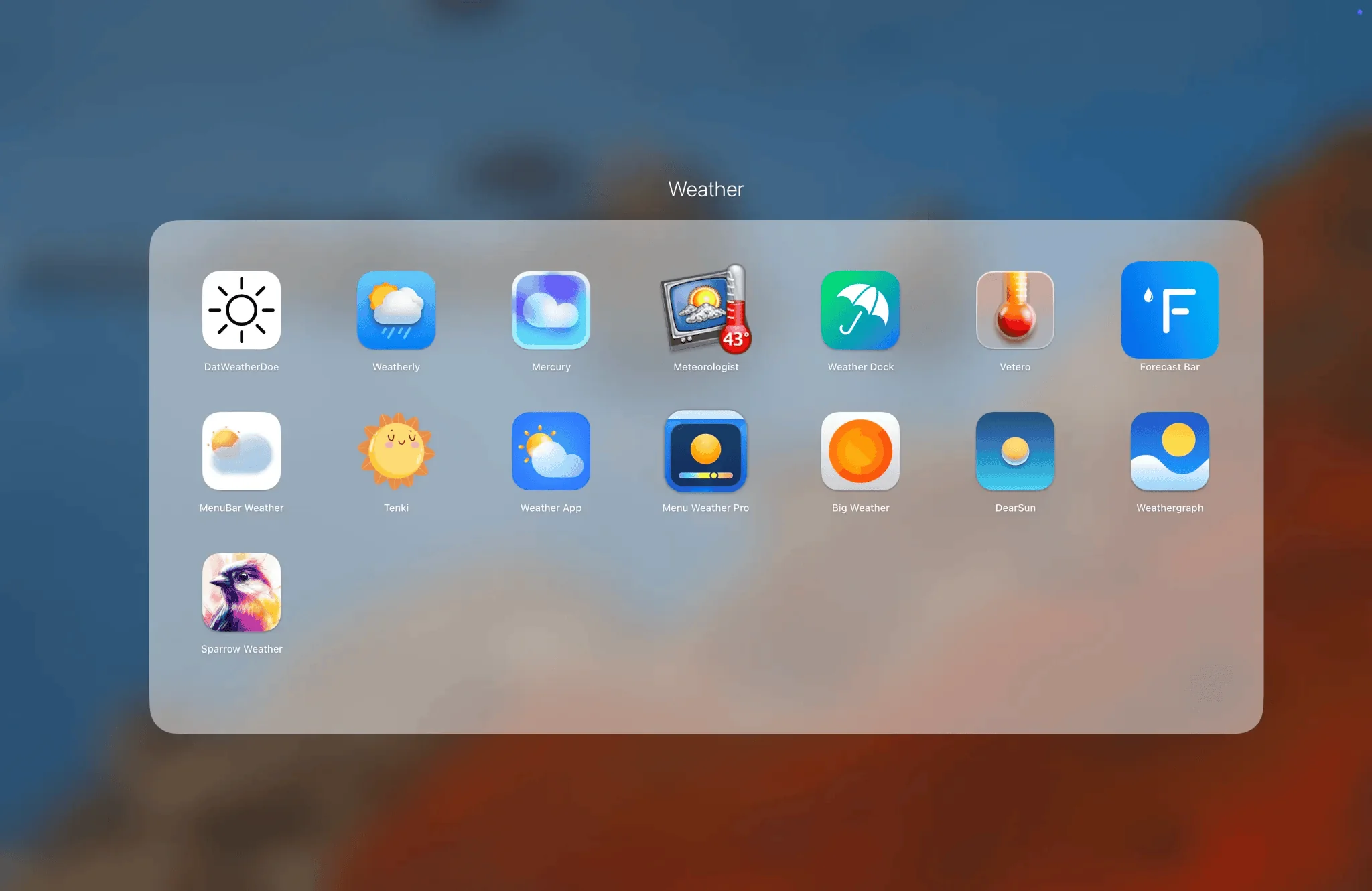
Who says you need to pay for menu bar magic? In 2026, these 8 free apps prove that tiny tools can transform your Mac without costing a dime. They tackle clutter, timing, gestures, and more—all from that golden strip at the top of your screen. If your menu bar feels underused, these picks will fill it with free superpowers. Let's dive in, with the ONE feature we love for each.
1. iBar – Tame the notch overflow
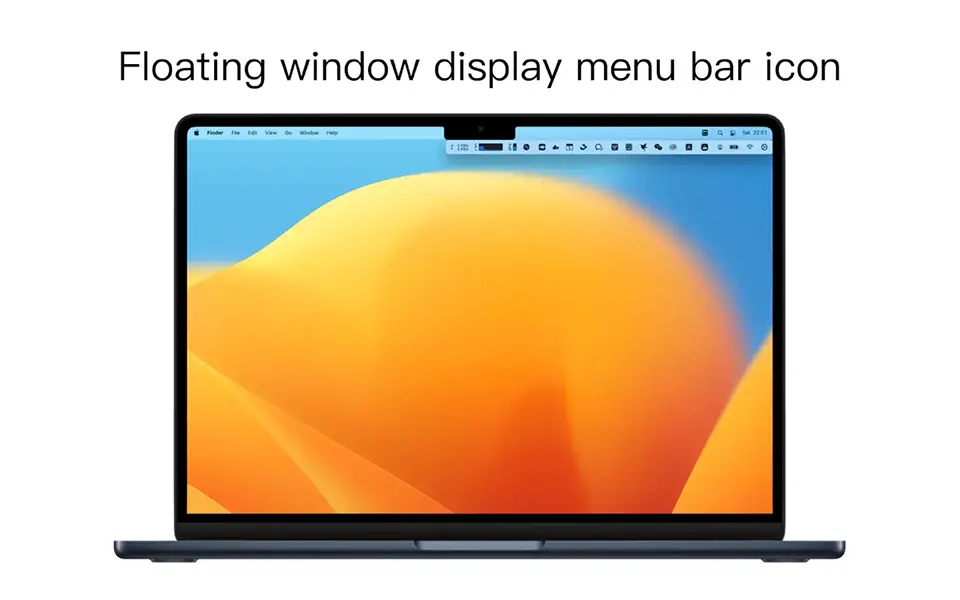
The ONE feature we love: Floating dropdown shelf that slides icons right under the notch—zero space wasted on crowded MacBooks.
iBar keeps your menu bar pristine by tucking extras into a smart, accessible palette. Free and notch-savvy, it's a daily essential for modern Macs.

2. Mini Stopwatch – Effortless timing
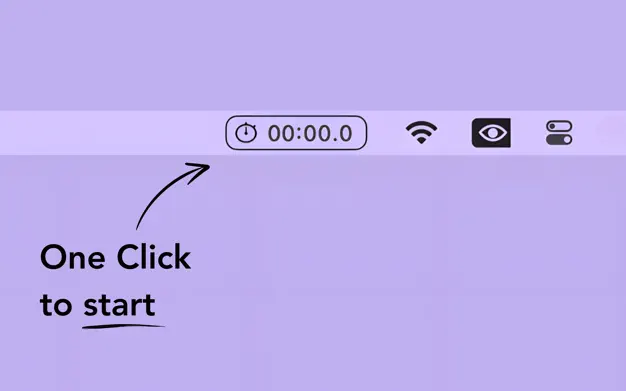
The ONE feature we love: One-click start/stop with double-click reset—pure simplicity, no menus or fuss.
Mini Stopwatch delivers a bare-bones timer straight to your bar. Track anything from sprints to screen time, all for free and zero learning curve.
3. Double Tap – Trackpad tricks unlocked
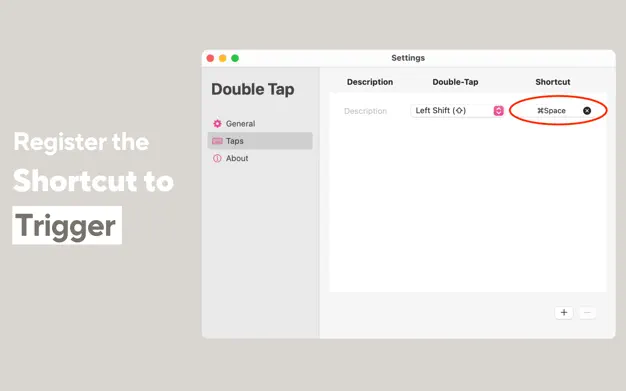
The ONE feature we love: Two-finger double-tap to launch apps or mute—turns your trackpad into a shortcut superpower.
Double Tap adds gesture smarts to any Mac, customizable and free. Feel like a pro navigating without lifting a finger.
4. Recordia – Instant audio notes
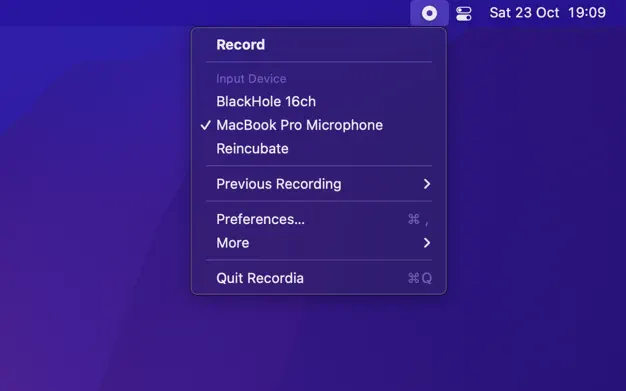
The ONE feature we love: Click to record, click to stop and save—faster than fumbling for Voice Memos.
Recordia captures voice memos from the bar in a snap. Free, format-flexible, and always ready for your next brilliant idea.
5. RapidSnap – Screenshot speed demon
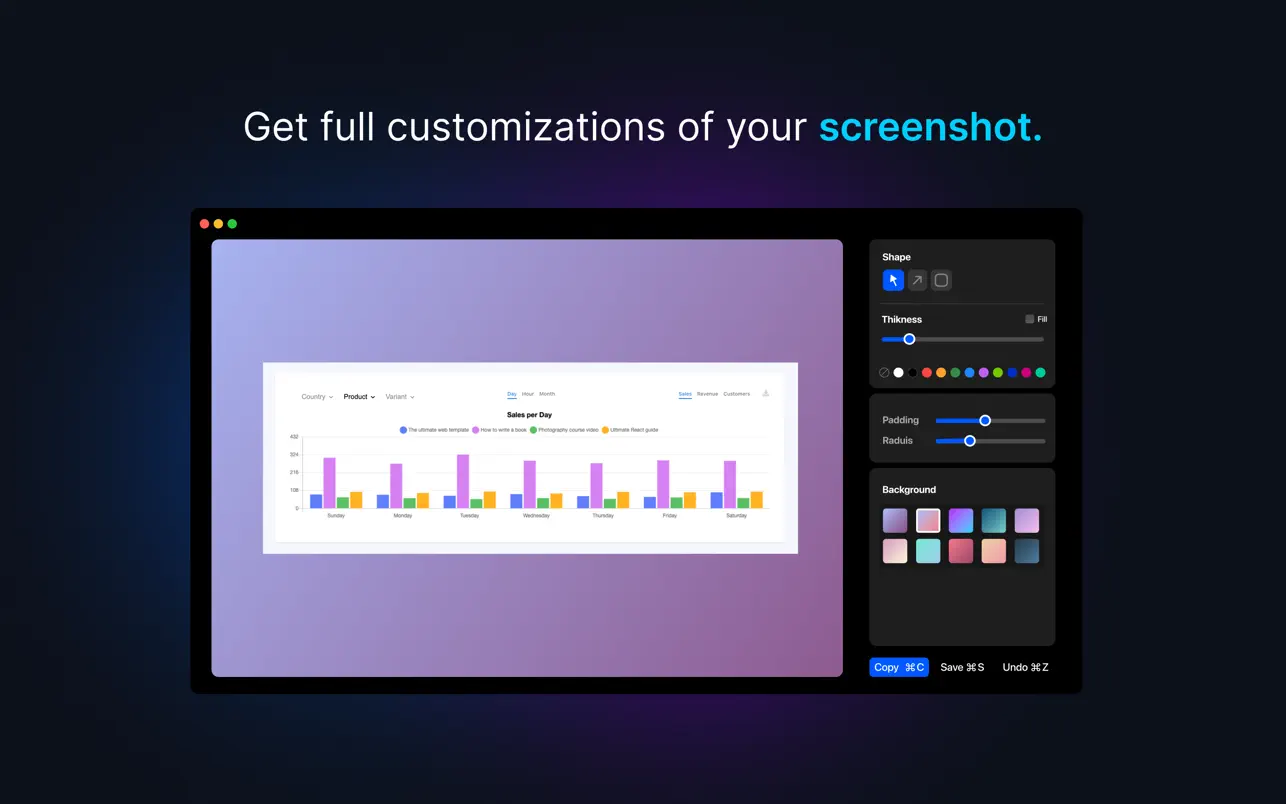
The ONE feature we love: Hotkey capture with instant overlay edits—crop, annotate, share in seconds flat.
RapidSnap elevates macOS's built-in tool with free, pro-level workflow. Capture and polish without ever leaving the flow.
6. Hidden Bar – Icon invisibility cloak
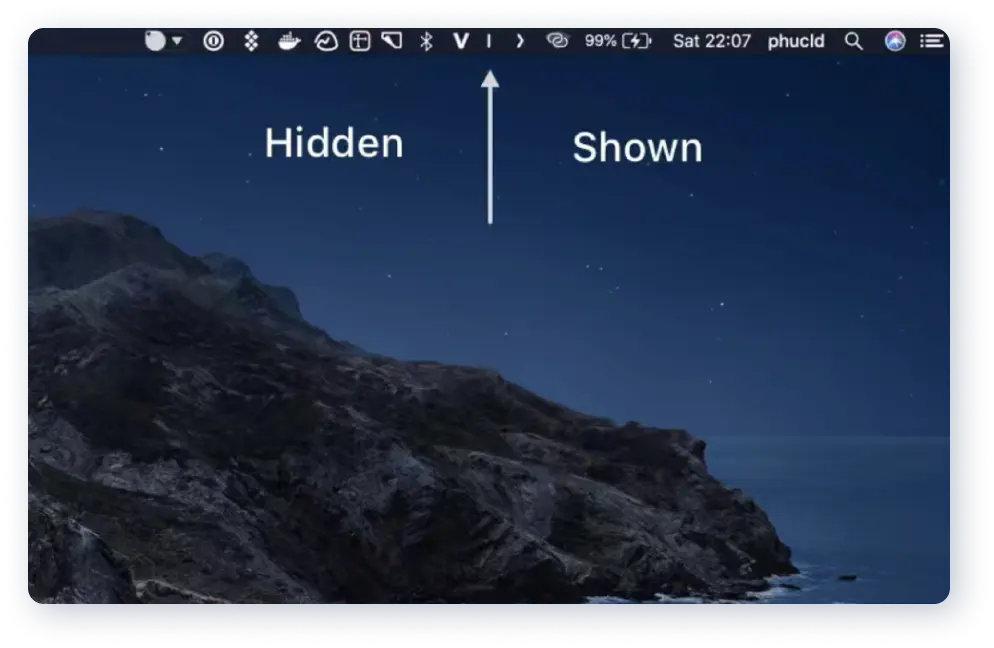
The ONE feature we love: Single arrow hides a horde of icons—reclaim your bar in one tidy click.
Hidden Bar is the OG free clutter-killer. Drag, collapse, and breathe easy on even the busiest setups.

7. My Clocks – Global time at a glance
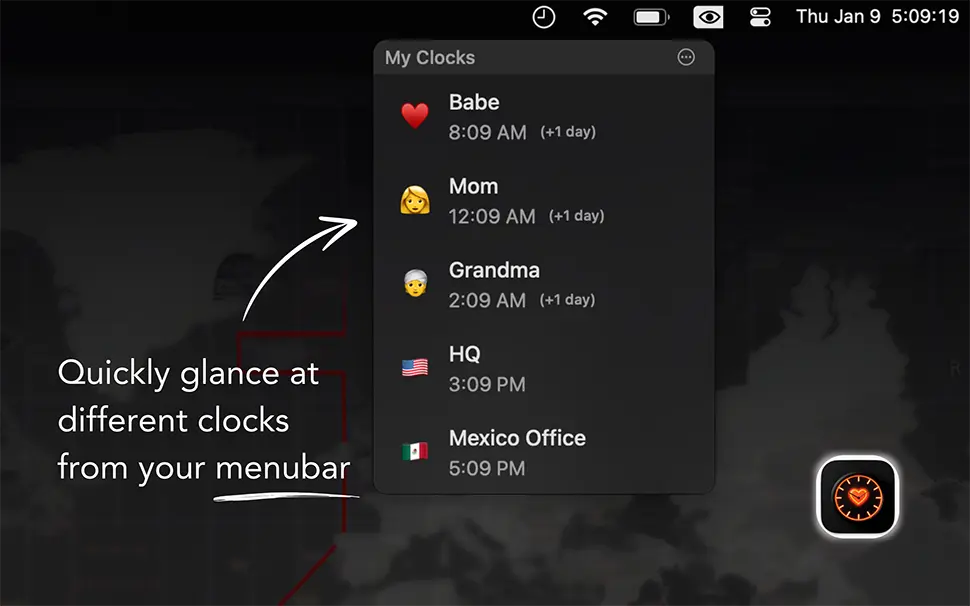
The ONE feature we love: Custom emojis and labels on city clocks—turn time zones into a fun, personal dashboard.
My Clocks packs world times into your bar with flair. Free, customizable, and perfect for remote teams spanning continents.
8. Mindful Spirit – Serenity in the bar
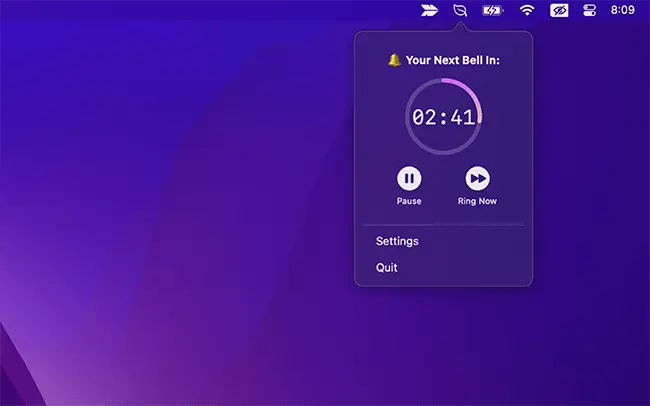
The ONE feature we love: Gentle bell chimes at set intervals—subtle nudges to breathe amid the workday grind.
Mindful Spirit brings free mindfulness reminders right to your menu. Pause, recenter, and stay balanced without extra effort.