
The 10 Best Menu Bar Apps in 2026
January 22, 2026

The menu bar is still the fastest, most glanceable part of your Mac. In 2026 these 10 tiny apps continue to do what Apple hasn’t: solve everyday annoyances with zero friction. Here are the absolute best menu bar companions right now — plus the ONE feature we love about each.
1. iBar – Master your menu bar chaos
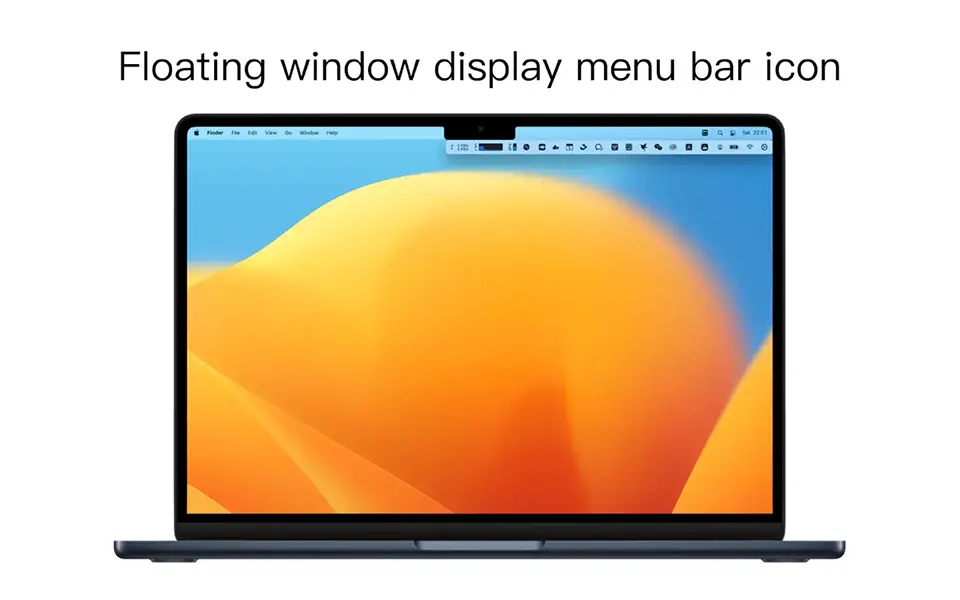
The ONE feature we love: The floating “below-the-notch” palette that instantly declutters notched MacBooks without hiding anything permanently.
iBar hides overflowing icons into a beautiful dropdown shelf right under the notch. Perfect for 14″ MacBook Pros that always run out of space.

2. TextSniper – Grab text from anywhere
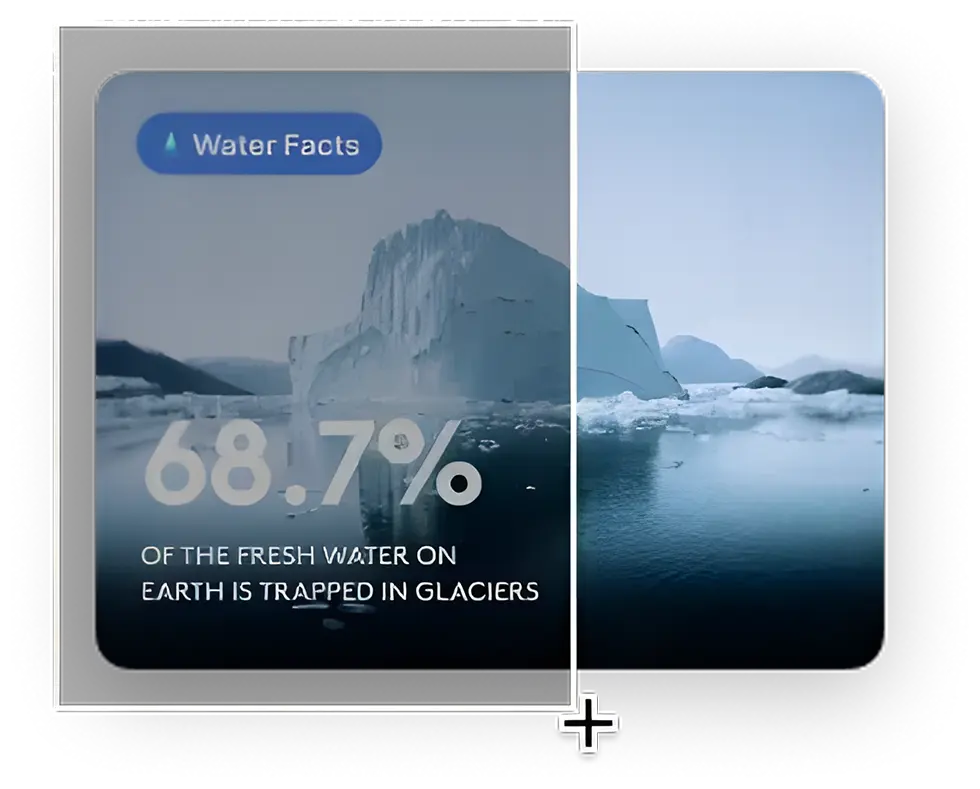
The ONE feature we love: Instant OCR the moment you release your mouse — no extra click needed.
Select any area (image, video, PDF) and the text is already in your clipboard. Still unbeatable in 2026.

3. Mini Stopwatch – The simplest timer ever
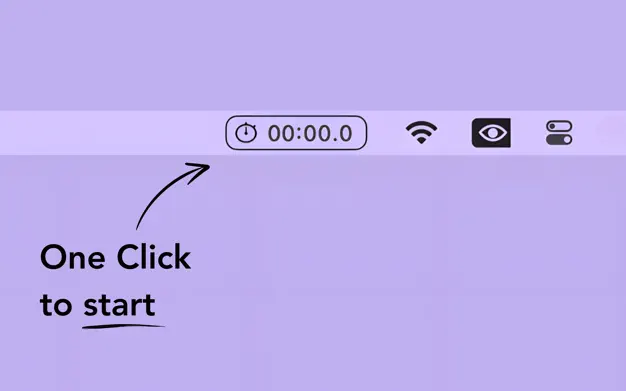
The ONE feature we love: Single-click start/stop, double-click reset — nothing else on the screen.
Zero learning curve. Perfect for Pomodoro, cooking, or timing coffee brews.

4. Stretch It – Set timers with a drag

The ONE feature we love: Drag down from the menu bar — the farther you pull, the longer the timer.
A 5-second break or a 2-hour focus block, all set with one playful gesture.

5. Mouse Shaker – Stay “active” intelligently
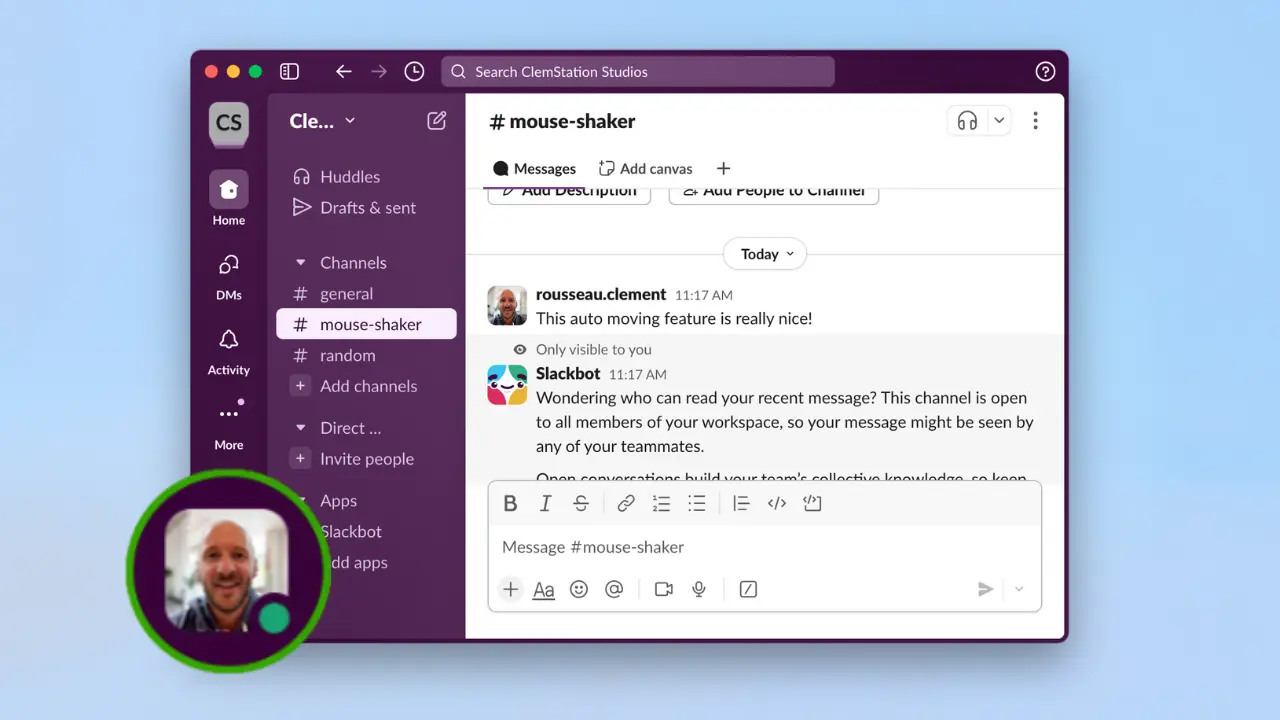
The ONE feature we love: Realistic scrolling + tab-switching simulation that fools even the strictest status trackers.
No one will ever know you stepped away for coffee again.

6. Mic Audio Level – Know your mic is working
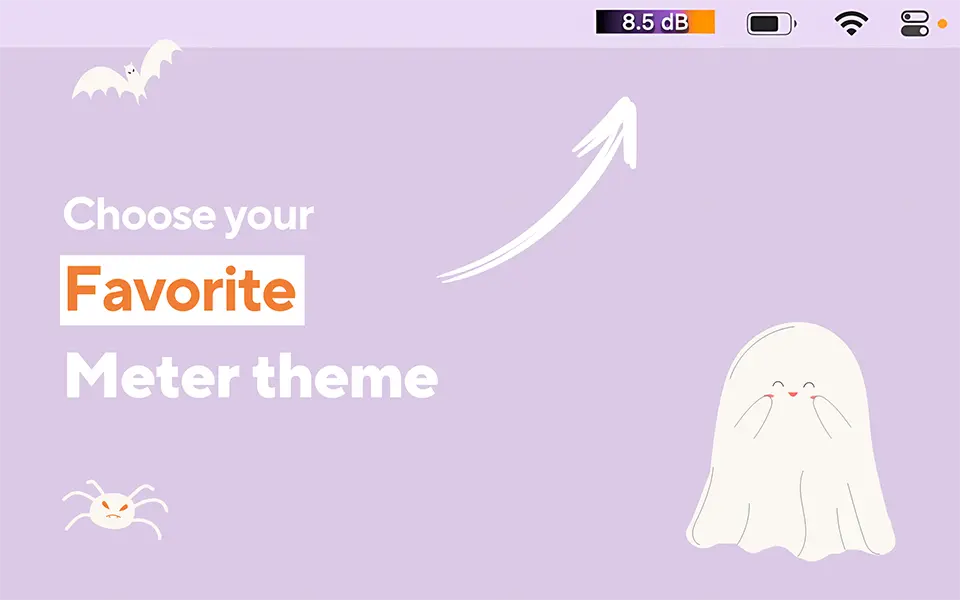
The ONE feature we love: Live bouncing meter that turns red when muted — impossible to embarrass yourself on a call.
One glance and you’re 100% sure Zoom/Meet/Teams can hear you.

7. Double Tap – Magic trackpad superpowers
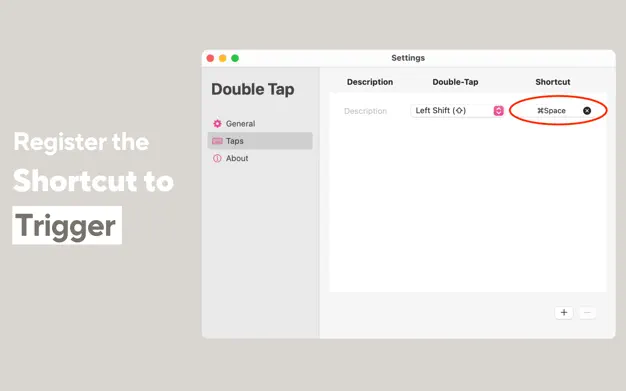
The ONE feature we love: Double-tap with two fingers on the trackpad to trigger any custom action (show desktop, mute mic, open app, etc.).
Feels like the Touch Bar we actually wanted.

8. Recordia – Record audio in one click
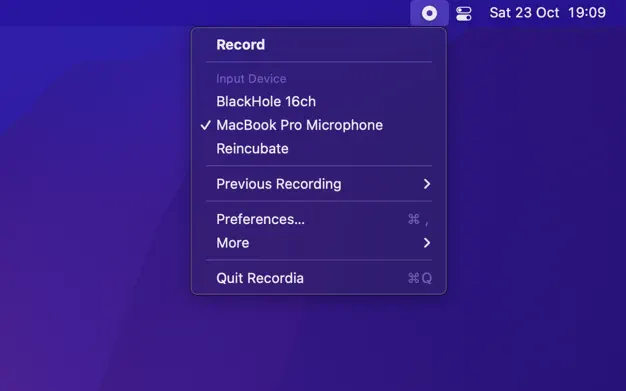
The ONE feature we love: Click once to start, click again to stop and the file is already saved — no extra dialog.
Faster than opening Voice Memos ever could be.

9. RapidSnap – Screenshots on steroids
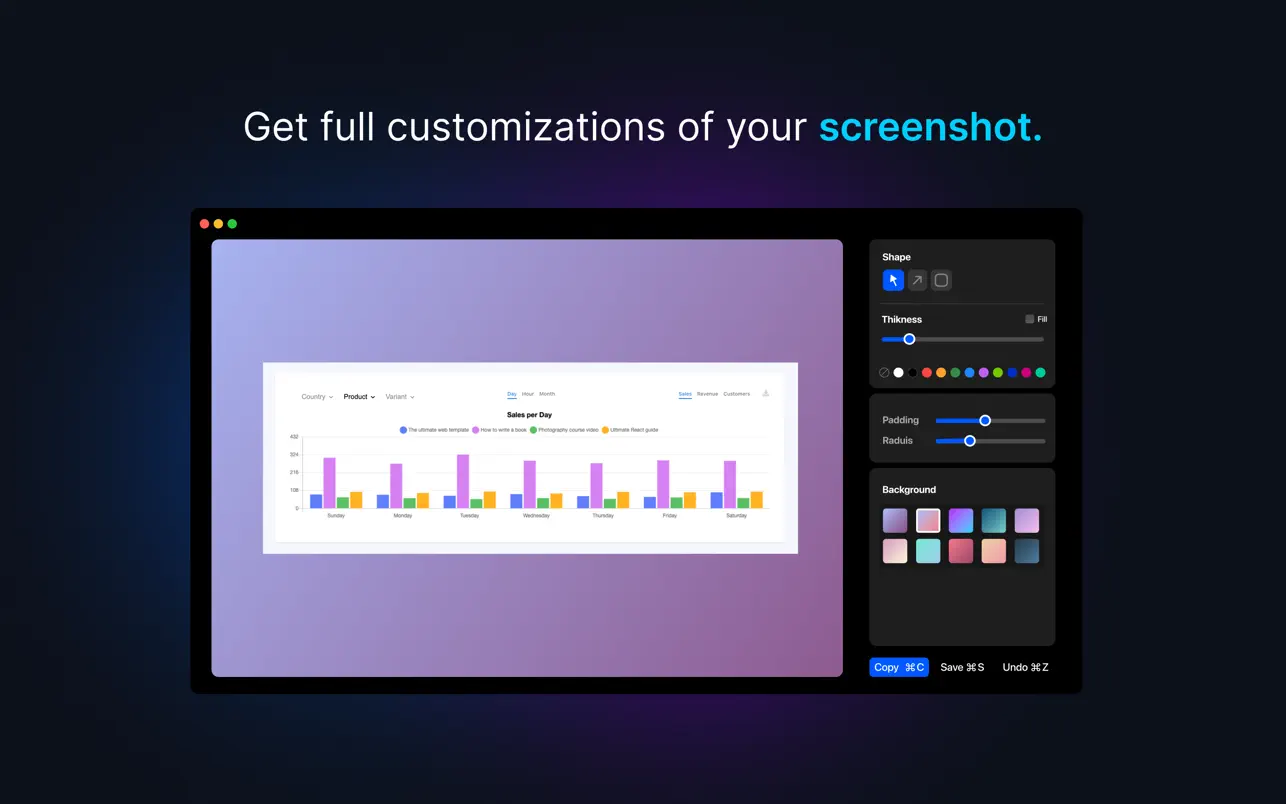
The ONE feature we love: Capture → edit → copy/share in under 3 seconds, all without leaving the overlay.
The built-in macOS tool suddenly feels ancient.

10. Hidden Bar – Clean menu bar, forever free
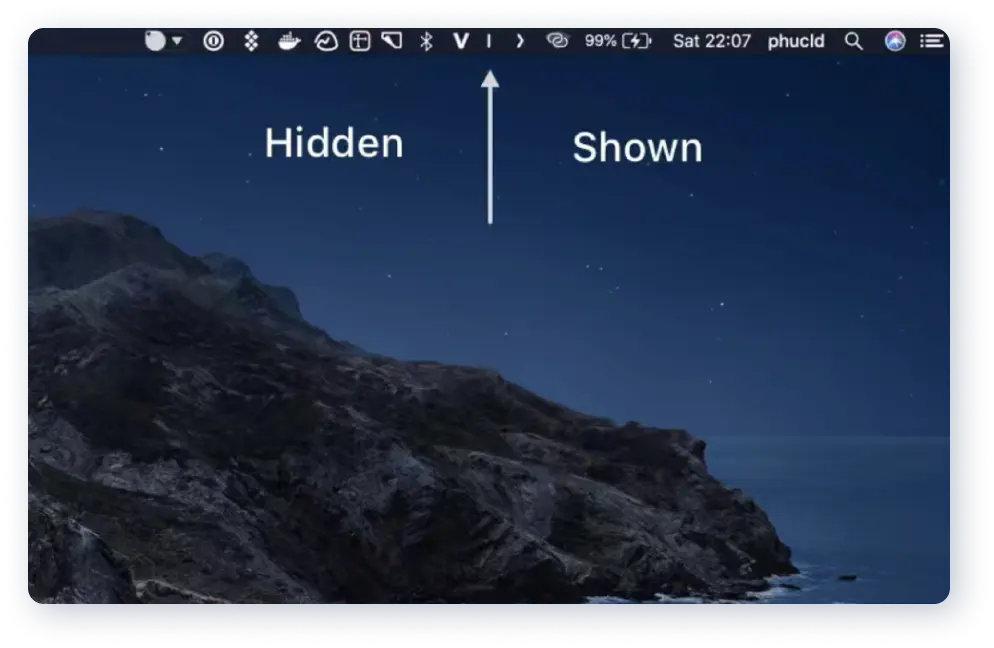
The ONE feature we love: One tiny arrow that collapses dozens of icons — instantly reclaim half your menu bar.
Still the simplest, most reliable solution in 2026.