
10 Features that Make Auto Shutdown the Ultimate Mac App for a Digital Detox
January 1, 2026
In a world full of endless scrolling and "just five more minutes" traps, it's easy to lose track of time and sacrifice sleep for screen time. You've probably experienced that 2:00 AM realization after intending to go to bed at 11:00 PM. That's why today, we're focusing on what makes Auto Shutdown the definitive macOS app for enforcing a healthy, productive end to your day.
If you struggle with ending your workday or digital session on time, a simple, non-negotiable tool is exactly what you need. Auto Shutdown is the menu bar app that forces a daily digital detox.
Daily Shutdown Schedule
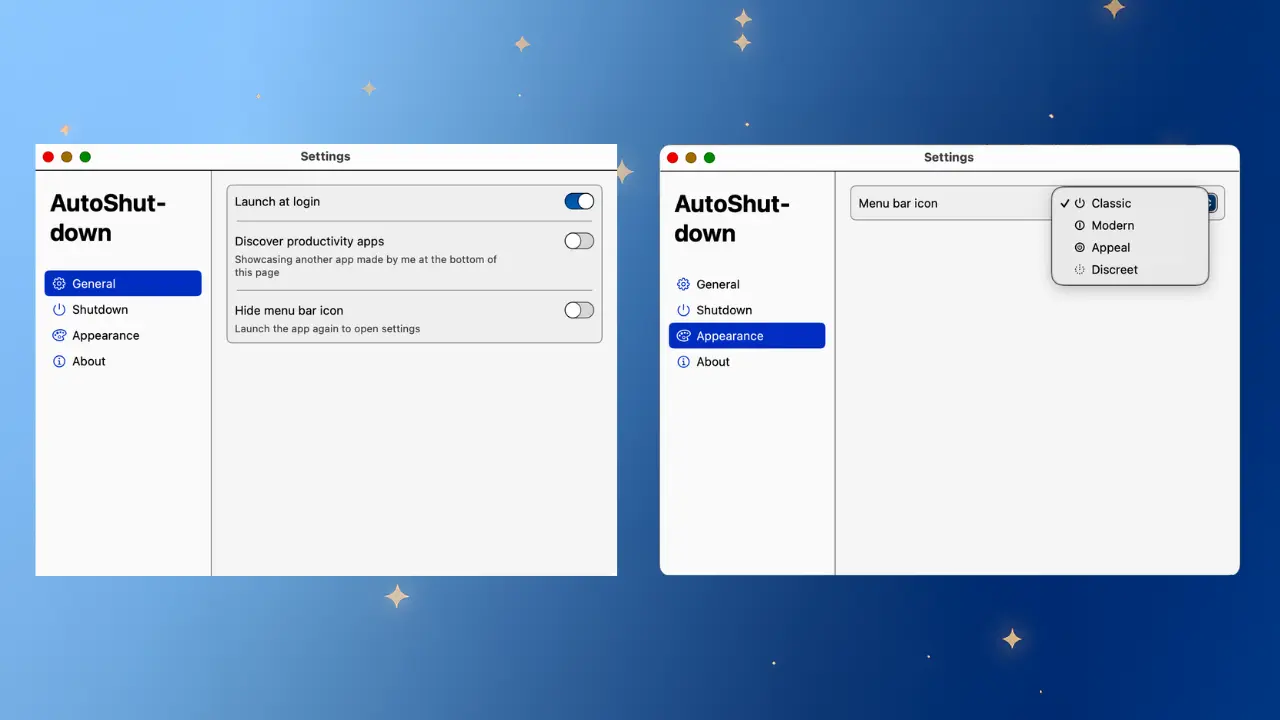
Auto Shutdown operates on a set-it-and-forget-it principle. Simply pick your ideal shutdown time once, and the app takes over, creating a daily, consistent ritual. No more debating; your Mac powers off right when your day is meant to end, helping you finally stick to your routine.
Hard Mode (Zero Negotiation)
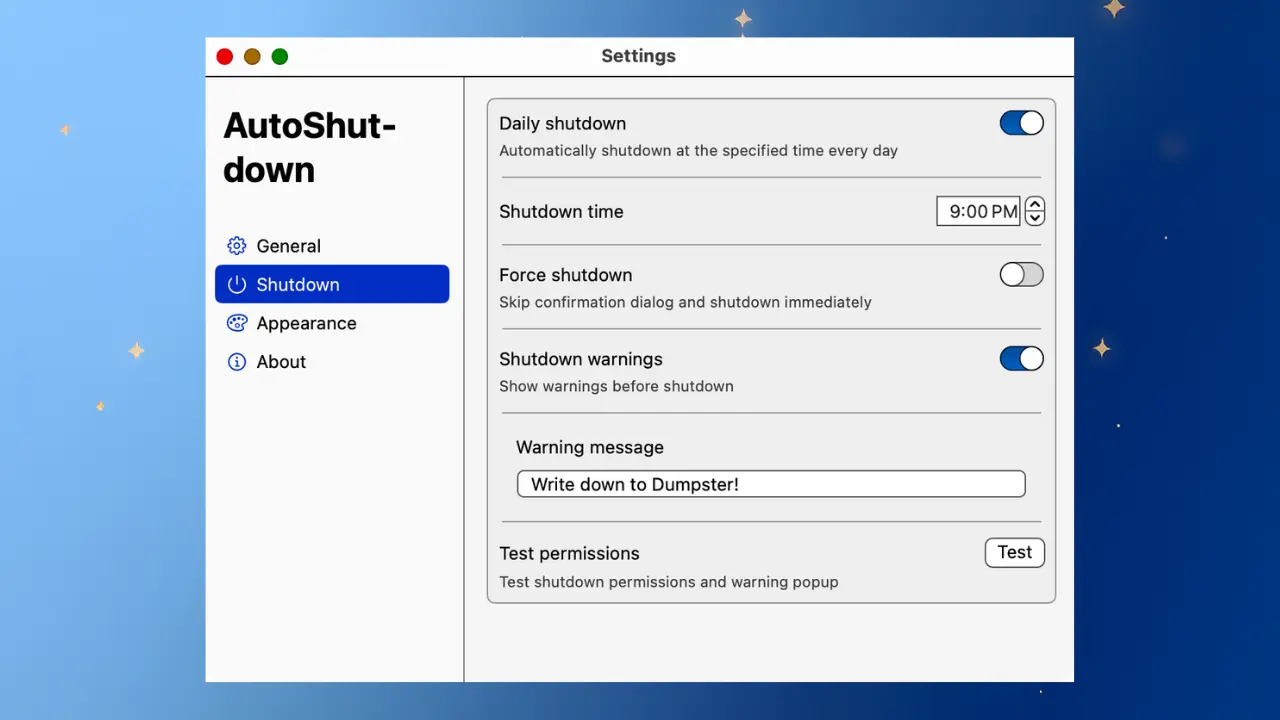
Need a forceful end to late-night work? Hard Mode is your digital drill sergeant. It shuts down your computer exactly at the scheduled time with zero delay or negotiation. This feature is perfect for beating the 'just five more minutes' trap and ensuring you get a clean, final cutoff.
Soft Mode (Save Your Work Peacefully)
If you prefer a gentler approach, Soft Mode is your best friend. It provides a prompt just before the scheduled shutdown time, allowing you to save your work, close your tabs, and wrap things up peacefully. It provides discipline without the risk of losing unsaved documents.
Optional 10-Minute Warning
Eliminate all surprises. You can enable a 10-minute warning to get a clear, gentle heads-up before the shutdown sequence begins. This is just enough time to save files, close essential apps, and mentally log off without panic.
Skip for Today
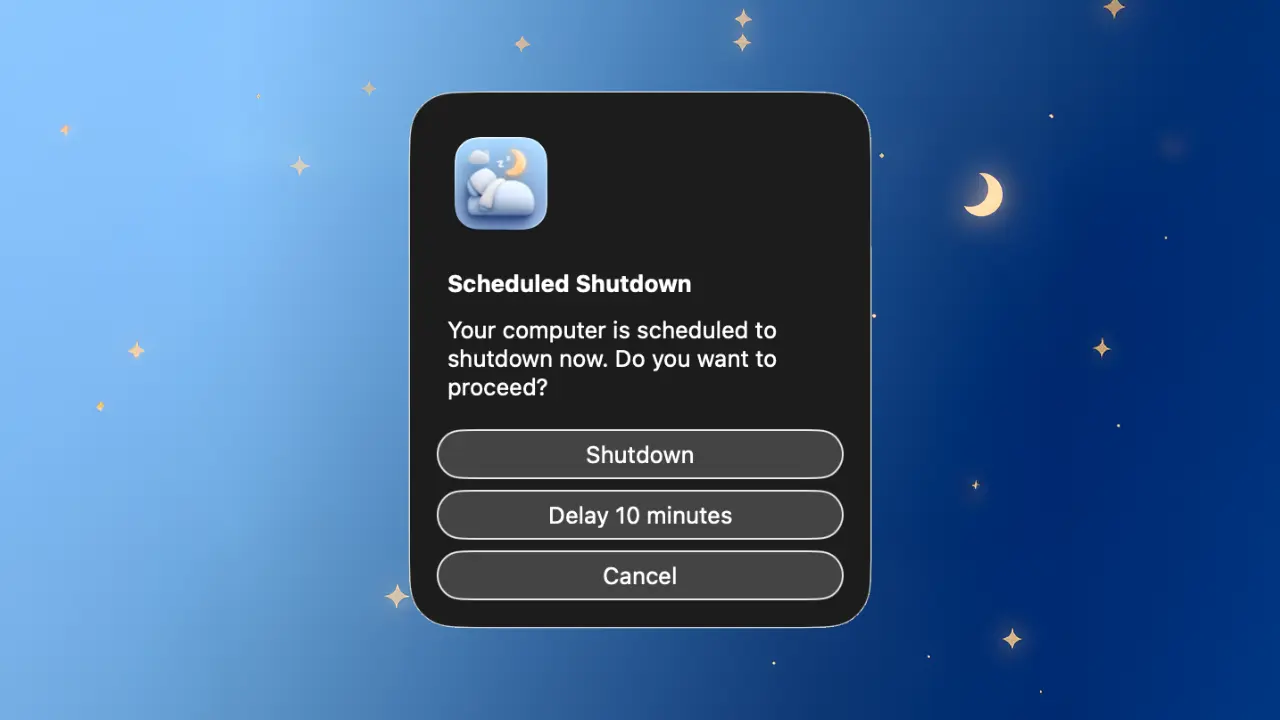
Sometimes you genuinely need to stay up late, finish a crucial project, or enjoy a movie night. Auto Shutdown is flexible. With a single click in the menu bar, you can Skip the shutdown for today, and the daily schedule will simply resume tomorrow.
Lightweight Menu Bar Utility
Auto Shutdown is designed to be invisible until you need it. It runs quietly in your macOS menu bar and does its job without ever getting in the way of your daytime productivity. It's a non-intrusive way to manage your time.
Promotes a Healthy Sleep Routine
The primary benefit of Auto Shutdown is the creation of a healthy sleep routine. By forcing an end to your digital day, you ensure you actually shut down and go to bed on time, combating the negative effects of screen exposure late at night.
A Tool for Digital Detox
In an age of constant connectivity, Auto Shutdown creates a daily, non-negotiable cutoff. It is a powerful tool for your digital detox, helping you disconnect from screens and transition into a relaxing evening.
Parental Controls (For Yourself)
If you are your own worst enemy when it comes to time management, this app is your solution. Many users affectionately call Auto Shutdown "Parental Controls for myself," as it enforces discipline when self-control fails.
Optimized for macOS
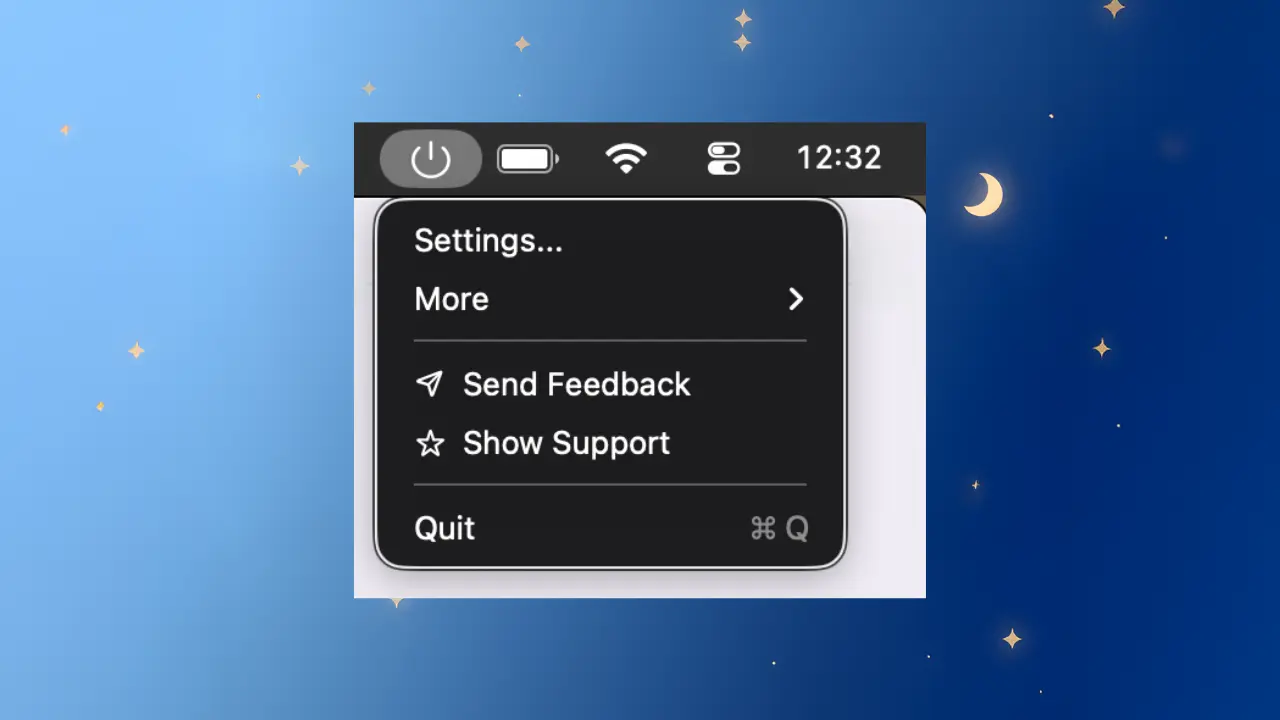
Auto Shutdown is a native macOS application, ensuring it is lightweight, reliable, and uses minimal resources. It integrates perfectly into your existing daily routine, making the entire experience seamless and dependable.
Auto Shutdown is more than just a timer; it’s a commitment to better habits, better sleep, and a healthier relationship with your screen. Whether you need the brute force of Hard Mode or the gentle nudge of Soft Mode, Auto Shutdown ensures your day ends when it should. Stop saying "five more minutes" and start sleeping on time.
Try Auto Shutdown today and reclaim your night!