
How to pixelate part of an image
December 22, 2025
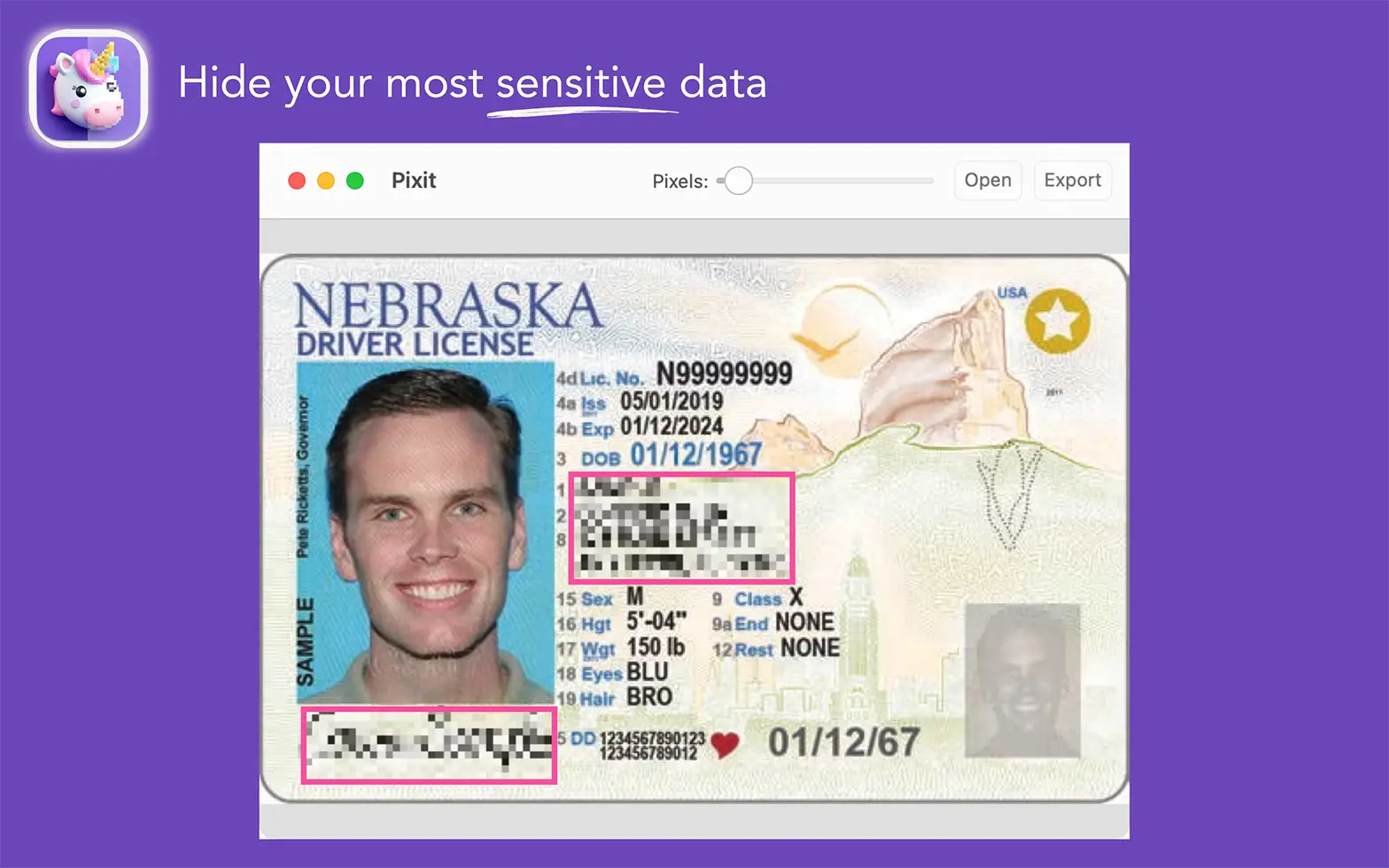
Sometimes you need to share an image but don’t want the whole thing visible. Maybe it’s a phone number, a face, or part of a document. That’s where pixelation comes in handy.
If you’re on macOS, the easiest way to pixelate part of an image is with Pixit. It lets you load any image, select the area you want to hide, and instantly pixelate it. You can even control how strong the pixelation is.
Here’s how to do it:
- Open Pixit and load your image.
- Click and drag to draw a box around the part you want to pixelate.
- Adjust the pixelation level using the slider.
- Export the edited image when you’re done.
Unlike other tools that blur or hide awkwardly, Pixit gives you sharp control over how you hide content. It’s clean and simple.
Need to pixelate part of an image fast? Download Pixit and take care of it in seconds.